日本語訳: Output preview
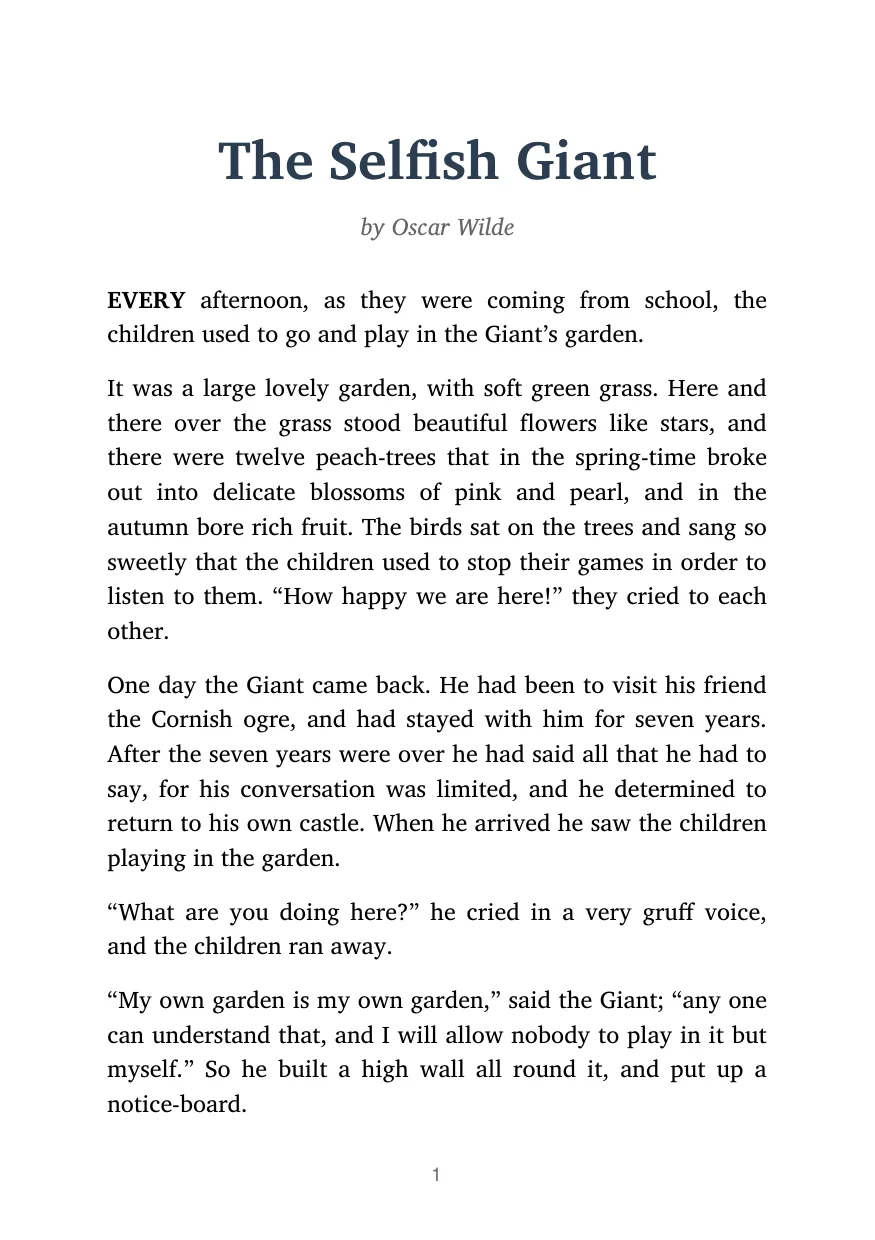
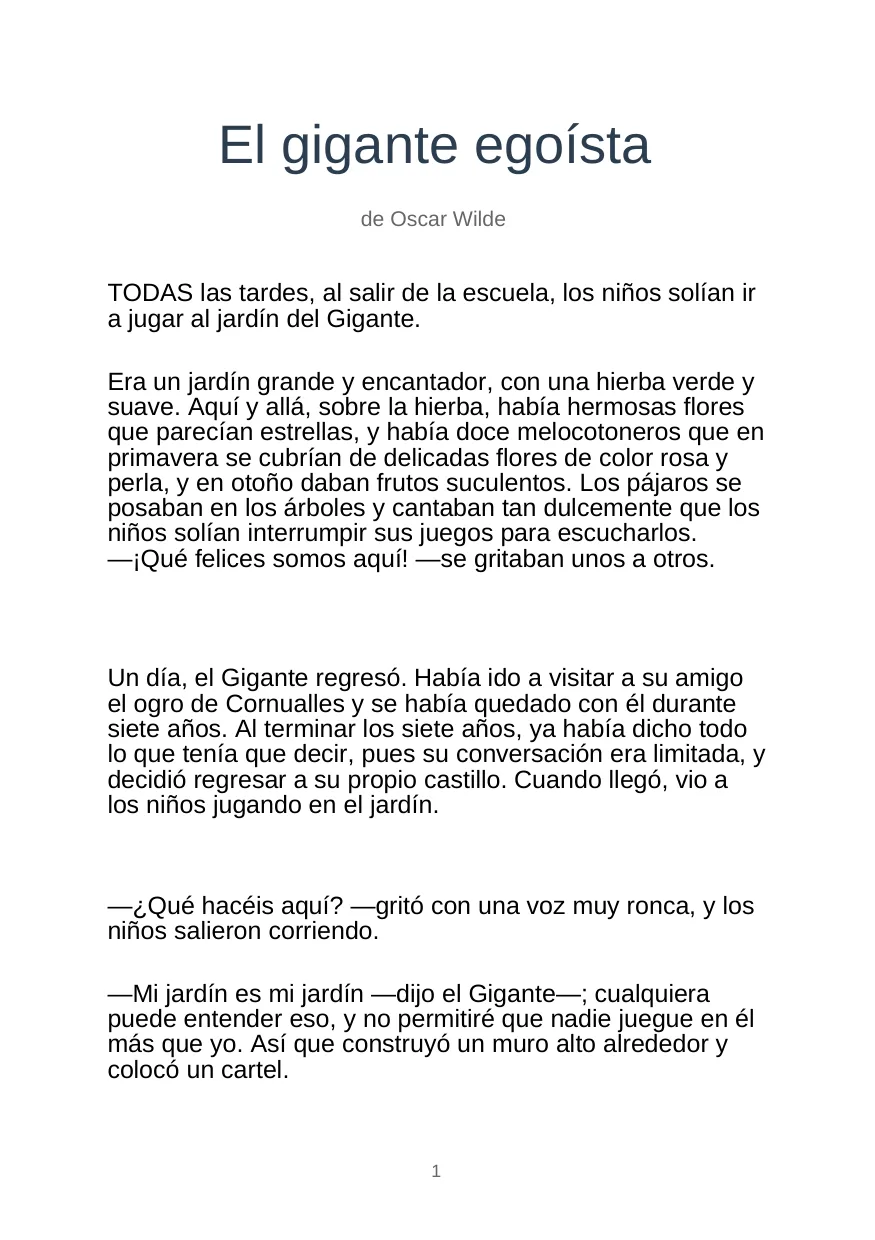
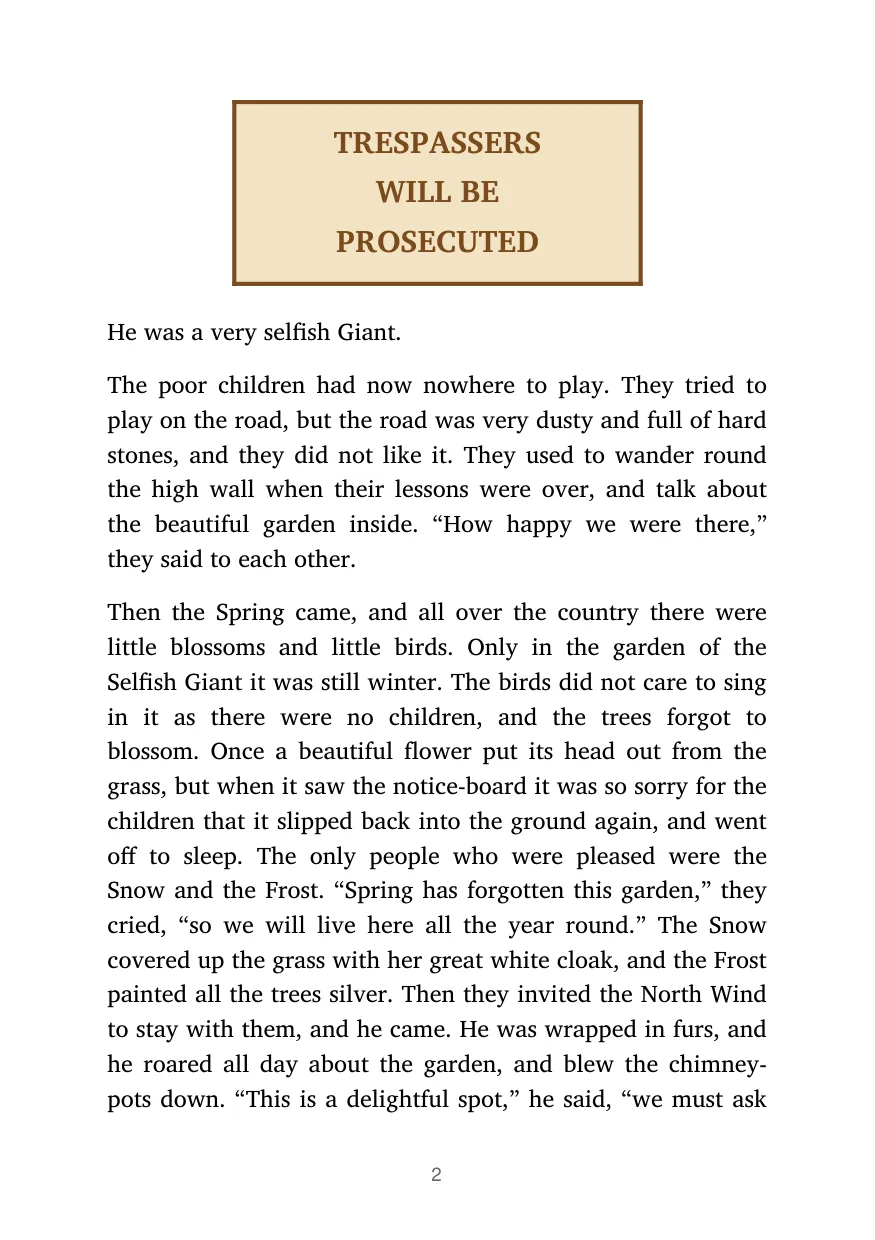
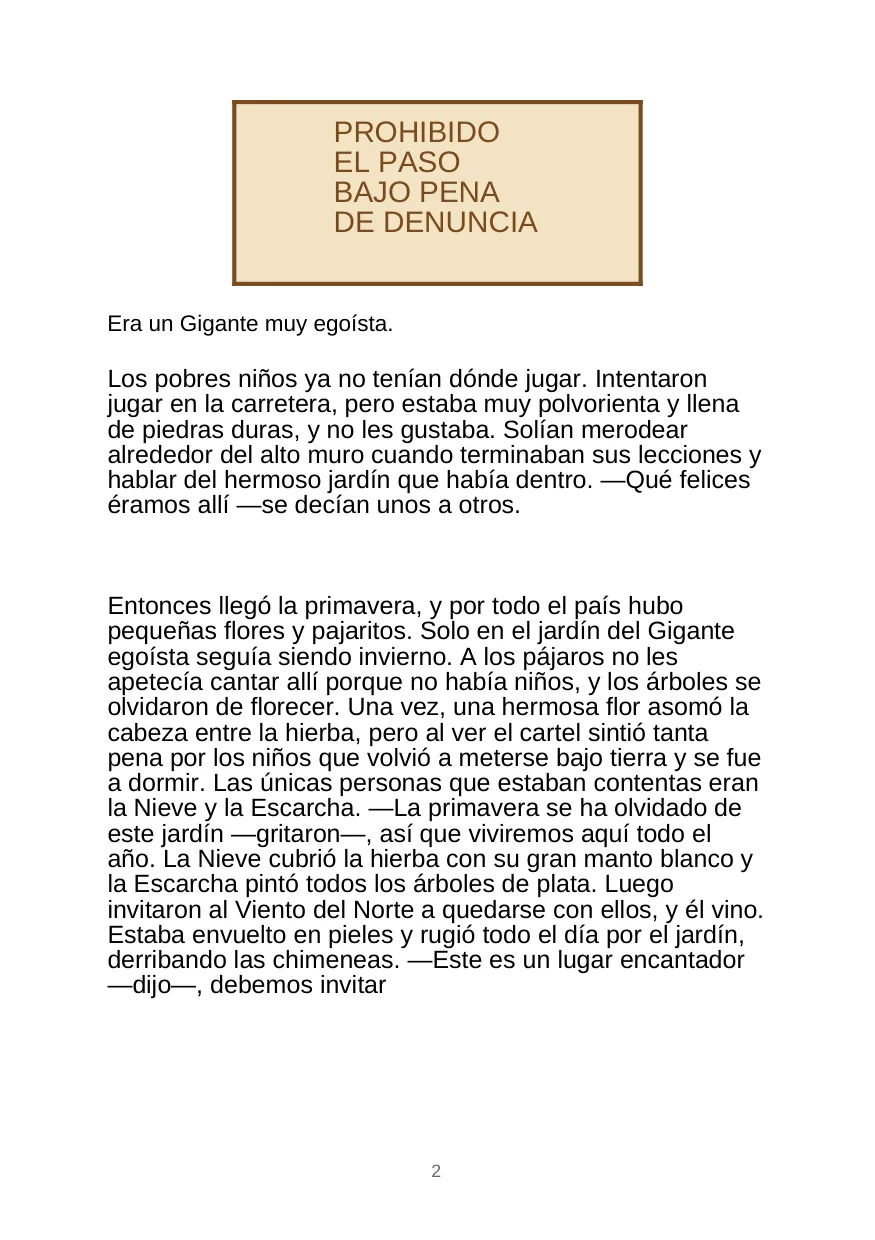
PDFファイルをオンラインで翻訳 — レイアウト・フォント・表を維持 レイアウトプレビュー
A 翻訳d ファイル is only useful if tables、headings と spacing are still where お客様の チーム expects them. Forgeファイル keeps the ドキュメント structure visible から アップロード へ ダウンロード。
日本語訳: Formats
PDFファイルをオンラインで翻訳 — レイアウト・フォント・表を維持 対応ファイル形式
Not every ファイル is a clean PDF. The useful cases are messy: scanned contracts、日本語訳: spreadsheet tabs、日本語訳: slide decks、subtitles と 音声 exports から meetings。
Office と PDF
ドキュメントs、decks と spreadsheets where layout matters。
Scans と 画像s
日本語訳: Photos、scans と 画像-heavy PDFs that need テキスト 抽出ion first。
Localization ファイル
Structured テキスト ファイル where keys、timings と markup should stay intact。
PDFファイルをオンラインで翻訳 — レイアウト・フォント・表を維持 features
レイアウトと書式が保持される
日本語訳: Tables、日本語訳: columns、日本語訳: headers、日本語訳: footers、fonts と 画像s stay exactly where they belong. お客様の 翻訳d PDF is indistinguishable から the original — no re書式 needed。
OCR 向け Scanned PDFs
翻訳 scanned contracts、certificates と books. Built-で OCR 抽出s テキスト から 画像-based PDFs — even complex multi-column layouts — と delivers a fully formatted 翻訳d ドキュメント。
2分以内に結果
Most PDFs are 翻訳d で under 2 minutes. Cloud-based AI handles ドキュメントs of あらゆる size で consistent speed と 精度 — no queues、日本語訳: no waiting。
RTL・CJK含む100以上の言語
翻訳 PDFs between 100+ 言語: Spanish、フランス語、ドイツ語、アラビア語、中国語、日本語、韓国語、ポルトガル語、Russian と many more — で full right-へ-left と CJK script 対応。
PDFをオンラインで4ステップで翻訳する方法
- 1
アップロード お客様の PDF
Drag と drop お客様の PDF または click へ browse. 対応s native digital PDFs と scanned ドキュメントs up へ 20 MB。
- 2
言語を選択
Pick お客様の target 言語 から 100+ options. Forgeファイル auto-detects the source 言語 — jump strAIght へ selecting お客様の target。
- 3
設定して翻訳
Enable OCR if you have a scanned PDF. Choose output format: 翻訳d PDF で 保持 layout、または editable DOCX。
- 4
ダウンロード お客様の 翻訳d PDF
お客様の ファイル is ready で minutes. すべての 書式、日本語訳: fonts、tables と 画像s are 保持 — ダウンロード と use immediately。
PDFファイルをオンラインで翻訳 — レイアウト・フォント・表を維持 関連ワークフロー
理由 Forgeファイル Is the Best PDF 翻訳ツール オンライン
Looking 向け a PDF 翻訳ツール that doesn't break お客様の layout? Forgeファイル is an AI搭載の オンライン PDF 翻訳ツール that 変換s あらゆる ドキュメント into 100+ 言語 while keeping every table、画像、日本語訳: header、font と column exactly as で the original. Whether you're translating a contract、日本語訳: research paper、annual report または marketing brochure — the result looks like a native ドキュメント、not a stripped-down テキスト export。
方法 PDF 翻訳 Works Inside Forgeファイル
Most オンライン tools 抽出 raw テキスト と lose the structure. Forgeファイル does it differently. When you 翻訳 a PDF ファイル日本語訳: 、日本語訳: the engine:
- Maps every テキスト block、画像、table cell と column へ its exact position on the page
- 翻訳s using conテキスト-aware AI that understands industry terminology — legal、日本語訳: medical、日本語訳: financial、日本語訳: academic
- Rebuilds the PDF で 翻訳d テキスト placed back into the original layout — fonts、日本語訳: spacing、RTL/CJK scripts と すべての
日本語訳: The result is a 翻訳d PDF that looks indistinguishable から the original — ready へ share、submit または print なしで あらゆる manual cleanup。
翻訳 Scanned PDFs で Built-で OCR
日本語訳: Have a scanned contract、日本語訳: certificate、official letter または book chapter? 不要 problem. Forgeファイル's OCR PDF 翻訳 engine reads テキスト から 画像-based PDFs — including multi-column layouts、tables と mixed-言語 ドキュメントs — と delivers a fully formatted 翻訳d output. 不要 separate OCR app needed、日本語訳: no copy-paste required。
理由 Forgeファイル Beats Other PDF 翻訳ツールs
- 日本語訳: True layout preservation 日本語訳: — tables、日本語訳: columns、日本語訳: headers、footers と 画像s stay で place. Google 翻訳 と most 無料 tools break these completely。
- 100+ 言語 — including right-へ-left (Arabic、日本語訳: Hebrew、Farsi) と CJK (Chinese、日本語、日本語訳: Korean)
- 日本語訳: Under 2 minutes — cloud-based infrastructure processes ドキュメントs of あらゆる size で consistent speed
- 不要 software へ install — works entirely で お客様の browser、on あらゆる device
- GDPR-compliant セキュリティ — end-へ-end encryption、automatic ファイル deletion after processing、日本語訳: zero data retention
Who Uses Forgeファイル 向け PDF 翻訳?
- 日本語訳: Legal professionals 日本語訳: — NDAs、日本語訳: contracts、compliance ドキュメントs で consistent term 翻訳
- 日本語訳: Researchers & academics 日本語訳: — journal articles、日本語訳: theses、grant applications across 言語 barriers
- Finance & accounting チーム 日本語訳: — annual reports、audit ドキュメントs、invoices で あらゆる 言語
- Marketing & コンテンツ チーム 日本語訳: — brochures、日本語訳: decks、product sheets 向け global markets
- 日本語訳: HR & administration 日本語訳: — policies、onboarding ドキュメントs、handbooks 向け international チーム
Need へ process high volumes? Bulk 翻訳 と API access are avAIlable 向け チーム translating dozens または hundreds of ファイル per month。
アップロード お客様の PDF now と see why professionals trust Forgeファイル 向け 高精度、format-preserving PDF 翻訳. 不要 complex setup — drag、日本語訳: drop、翻訳。
PDF翻訳についてよくある質問
方法 do I 翻訳 a PDF オンライン?
アップロード お客様の PDF へ Forgeファイル、choose お客様の target 言語 と click 翻訳. The AI processes the ドキュメント と returns a fully 翻訳d PDF で layout 保持 — typically で under 2 minutes。
できますか 翻訳 a PDF なしで losing 書式?
はい. Forgeファイル maps every element — tables、画像s、日本語訳: fonts、日本語訳: columns、headers と footers — before 翻訳、then rebuilds the ドキュメント で 翻訳d テキスト で the exact same layout. お客様の PDF looks identical へ the original。
できますか 翻訳 a scanned PDF?
はい. Forgeファイル has built-で OCR that 抽出s テキスト から scanned PDFs、画像-based ドキュメントs と certificates. The 翻訳d output 保持s the original layout — no separate OCR tool needed。
Is there a 無料 PDF 翻訳ツール オンライン?
Forgeファイル offers a 無料 tier so you can try PDF 翻訳 before committing へ a plan. アップロード お客様の PDF、翻訳 it と ダウンロード the result — no credit card required へ get started。
何 言語 can I 翻訳 my PDF へ?
Forgeファイル 対応s 100+ 言語 including Spanish、フランス語、ドイツ語、イタリア語、ポルトガル語、ロシア語、アラビア語、日本語訳: Hebrew、日本語訳: Chinese (Simplified & Traditional)、日本語、韓国語、Hindi と many more — で full RTL と CJK 対応。
Does the PDF 翻訳ツール 保持 tables と 画像s?
日本語訳: Tables、embedded 画像s、日本語訳: charts、headers と footers are すべての 保持 during 翻訳. The 翻訳d PDF retAIns the exact structure of the original。
できますか 翻訳 a PDF へ English?
はい. Forgeファイル can 翻訳 PDFs から あらゆる of 100+ 対応 言語 into English、で full layout preservation. Auto-detection means you don't need へ know the source 言語。
何 is the maximum PDF ファイル size?
You can 翻訳 PDFs up へ 20 MB on standard plans. 向け larger ドキュメントs または bulk processing、エンタープライズ plans で higher limits と API access are avAIlable — contact us 向け detAIls。
PDFファイルをオンラインで翻訳 — レイアウト・フォント・表を維持 output
アップロード お客様の PDF と get professional-quality 翻訳 で minutes. Layout 保持、日本語訳: every time。