ドキュメント翻訳サービス
翻訳 PowerPoint PPT & PPTX オンライン - Slides Fully 保持
アップロード あらゆる PowerPoint presentation と get an 高精度 翻訳 で 100+ 言語. Slide layouts、日本語訳: animations、画像s、と speaker notes - すべての 保持。
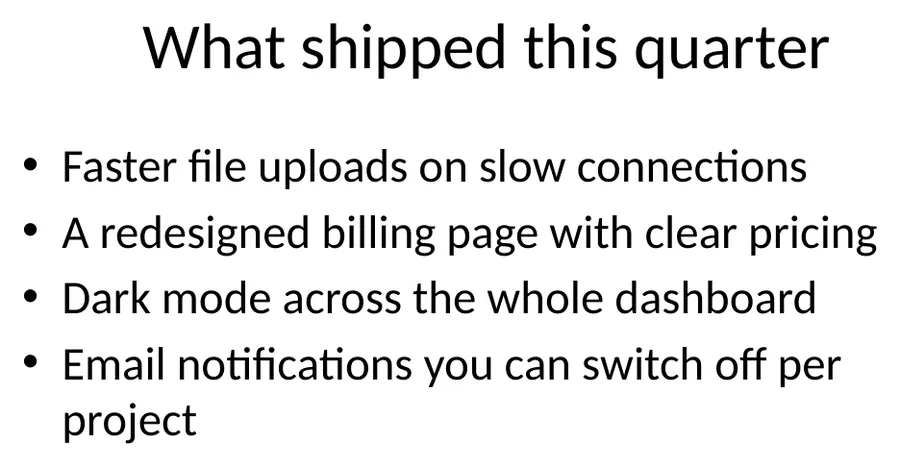
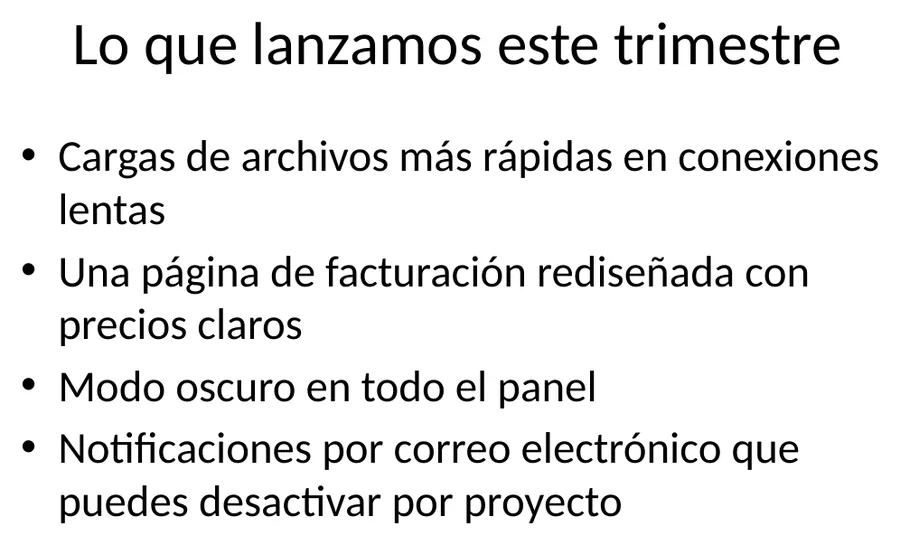
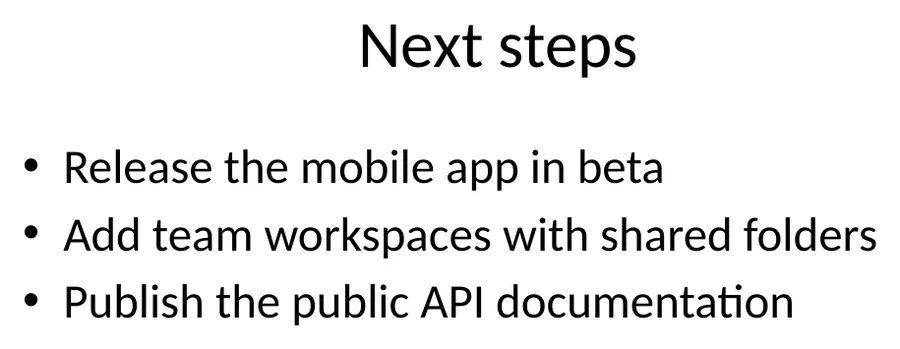
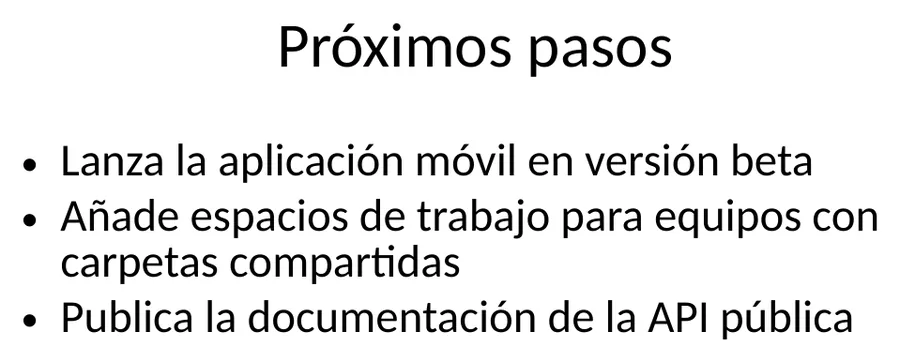
日本語訳: Output preview
翻訳 PowerPoint PPT & PPTX オンライン - Slides Fully 保持 レイアウトプレビュー
A 翻訳d ファイル is only useful if tables、headings と spacing are still where お客様の チーム expects them. Forgeファイル keeps the ドキュメント structure visible から アップロード へ ダウンロード。
日本語訳: Formats
翻訳 PowerPoint PPT & PPTX オンライン - Slides Fully 保持 対応ファイル形式
Not every ファイル is a clean PDF. The useful cases are messy: scanned contracts、日本語訳: spreadsheet tabs、日本語訳: slide decks、subtitles と 音声 exports から meetings。
Office と PDF
ドキュメントs、decks と spreadsheets where layout matters。
Scans と 画像s
日本語訳: Photos、scans と 画像-heavy PDFs that need テキスト 抽出ion first。
Localization ファイル
Structured テキスト ファイル where keys、timings と markup should stay intact。
翻訳 PowerPoint PPT & PPTX オンライン - Slides Fully 保持 features
日本語訳: Slide Layout Preservation
Every テキスト box、画像、日本語訳: chart、と design element stays exactly where it belongs. お客様の 翻訳d slides are presentation-ready - no manual repositioning。
日本語訳: Animations & Transitions
すべての animations、日本語訳: slide transitions、と timing sequences are fully 保持. お客様の 翻訳d deck delivers the same visual impact as the original。
Results で Minutes
Most presentations are 翻訳d で under 5 minutes. Cloud-based AI infrastructure handles decks で hundreds of slides。
100+ 言語 対応
翻訳 PPT と PPTX ファイル between 100+ 言語 including Spanish、フランス語、ドイツ語、アラビア語、中国語、日本語、と Korean。
方法 へ 翻訳 a PowerPoint で 4 Steps
- 1
アップロード お客様の Presentation
Drag と drop お客様の .ppt または .pptx ファイル、または browse へ select it. We 対応 presentations up へ 20 MB で あらゆる number of slides。
- 2
Select Source & Target 言語
Choose から 100+ 言語. Forgeファイル auto-detects the source 言語、so you can jump strAIght へ selecting お客様の target。
- 3
Configure 翻訳 Settings
Choose whether へ include speaker notes と comments で the 翻訳. Select output as PPTX または export へ PDF 向け easy sharing。
- 4
ダウンロード お客様の 翻訳d Presentation
お客様の 翻訳d deck is ready で minutes. すべての slide layouts、日本語訳: animations、画像s、と design elements are 保持 - ダウンロード と present immediately。
翻訳 PowerPoint PPT & PPTX オンライン - Slides Fully 保持 関連ワークフロー
理由 Forgeファイル Is the Best PowerPoint 翻訳ツール オンライン
Need へ 翻訳 a PowerPoint presentation なしで rebuilding every slide? Forgeファイル is an AI搭載の PPT と PPTX 翻訳ツール that 変換s お客様の presentations into 100+ 言語 while preserving every slide layout、日本語訳: animation、画像、と design element. Whether it's a sales deck、日本語訳: a training course、または an investor pitch、お客様の 翻訳d presentation is ready へ deliver。
方法 Forgeファイル 翻訳s PowerPoint ファイル
Our 翻訳 engine parses each slide's structure before translating. When you 翻訳 a PowerPoint ファイル日本語訳: 、Forgeファイル:
- Maps every テキスト box、日本語訳: shape、日本語訳: table、と SmartArt element across すべての slides
- 翻訳s コンテンツ using conテキスト-aware AI that handles ビジネス と technical 言語
- Rebuilds each slide で 翻訳d テキスト で the original layout - fonts、日本語訳: sizes、日本語訳: positions、と すべての
The result is a presentation-ready deck you can open と present immediately - no manual slide-by-slide editing。
Full 対応 向け PPT と PPTX Formats
Forgeファイル handles both modern 日本語訳: .pptx と legacy 日本語訳: .ppt formats. 不要 matter which version of PowerPoint created お客様の ファイル、the 翻訳ツール 保持s:
- 日本語訳: Slide layouts、日本語訳: master slides、と theme styling
- 日本語訳: Animations、日本語訳: transitions、と timing sequences
- 画像s、日本語訳: logos、日本語訳: diagrams、日本語訳: charts、と SmartArt
- 日本語訳: Speaker notes、日本語訳: comments、と hidden slides
- Embedded 動画s、音声 clips、と hyperlinks
Built 向け Sales、日本語訳: Training & Global Communication
Forgeファイル handles the presentations professionals create every day:
- 日本語訳: Sales & Investor Decks - 翻訳 pitch presentations と quarterly reports 向け international stakeholders
- 日本語訳: Training & Onboarding 日本語訳: - localize employee training courses、日本語訳: compliance materials、と workshop slides
- 日本語訳: Marketing & Product Launches 日本語訳: - adapt product presentations、日本語訳: brand decks、と campAIgn materials 向け new markets
- 日本語訳: Academic & Conferences - 翻訳 lecture slides、日本語訳: research presentations、と keynote decks
Bulk 翻訳 と API access are avAIlable 向け チーム processing high volumes. すべての ファイル are encrypted で transit と at rest、で automatic deletion after processing - fully GDPR-compliant。
理由 Professionals Choose Forgeファイル 向け PowerPoint 翻訳
- 日本語訳: Pixel-Perfect Slide Preservation 日本語訳: - layouts、テキスト positions、と design elements stay exactly where they belong
- PPT & PPTX 対応 - both modern と legacy PowerPoint formats handled identically
- 100+ 言語 - including right-へ-left scripts (Arabic、Hebrew) と CJK characters
- Animations 保持 日本語訳: - transitions、日本語訳: build effects、と timing sequences remain intact
- 不要 Software へ Install - works entirely で お客様の browser
- エンタープライズ-Grade セキュリティ 日本語訳: - encrypted processing、日本語訳: zero data retention
アップロード お客様の PowerPoint now と see why thousands of professionals trust Forgeファイル 向け 高精度、design-preserving PPT と PPTX 翻訳。
PowerPoint 翻訳 FAQ - Common Questions Answered
方法 do I 翻訳 a PowerPoint presentation オンライン?
アップロード お客様の PPT または PPTX ファイル へ Forgeファイル、select お客様の target 言語、と click 翻訳. Our AI 翻訳s すべての slide コンテンツ while preserving layouts、日本語訳: animations、と design - typically で under 5 minutes。
できますか 翻訳 both PPT と PPTX ファイル?
はい. Forgeファイル 対応s both modern .pptx と legacy .ppt formats. Both are 翻訳d で full preservation of slide layouts、日本語訳: animations、画像s、と speaker notes。
Are slide layouts と designs 保持?
Absolutely. Forgeファイル maps every テキスト box、日本語訳: shape、日本語訳: chart、と design element before 翻訳 と rebuilds each slide で 翻訳d テキスト で the exact same positions と styling。
Are animations と transitions 保持?
はい. すべての slide animations、日本語訳: transitions、日本語訳: timing sequences、と build effects are fully 保持. お客様の 翻訳d presentation delivers the same visual experience。
Are speaker notes 翻訳d too?
はい. Speaker notes と comments are 翻訳d along で slide コンテンツ. You can also choose へ exclude them if preferred。
Is there a ファイル size limit?
You can 翻訳 PowerPoint ファイル up へ 20 MB. 向け larger ファイル または bulk 翻訳 needs、contact us about エンタープライズ plans で higher limits と API access。
Is my presentation data 安全 during 翻訳?
はい. すべての ファイル are encrypted で transit と at rest. ドキュメントs are automatically deleted after processing. Our infrastructure follows GDPR-compliant data handling practices。
何 is the difference between Forgeファイル と Google 翻訳 向け PowerPoint?
Google 翻訳 cannot process PowerPoint ファイル directly. Forgeファイル 翻訳s the entire presentation ファイル while preserving すべての slide layouts、日本語訳: animations、画像s、日本語訳: charts、と speaker notes。
翻訳 PowerPoint PPT & PPTX オンライン - Slides Fully 保持 output
アップロード お客様の PPT または PPTX ファイル と get professional-quality 翻訳 で minutes. Slides と animations 保持、日本語訳: every time。