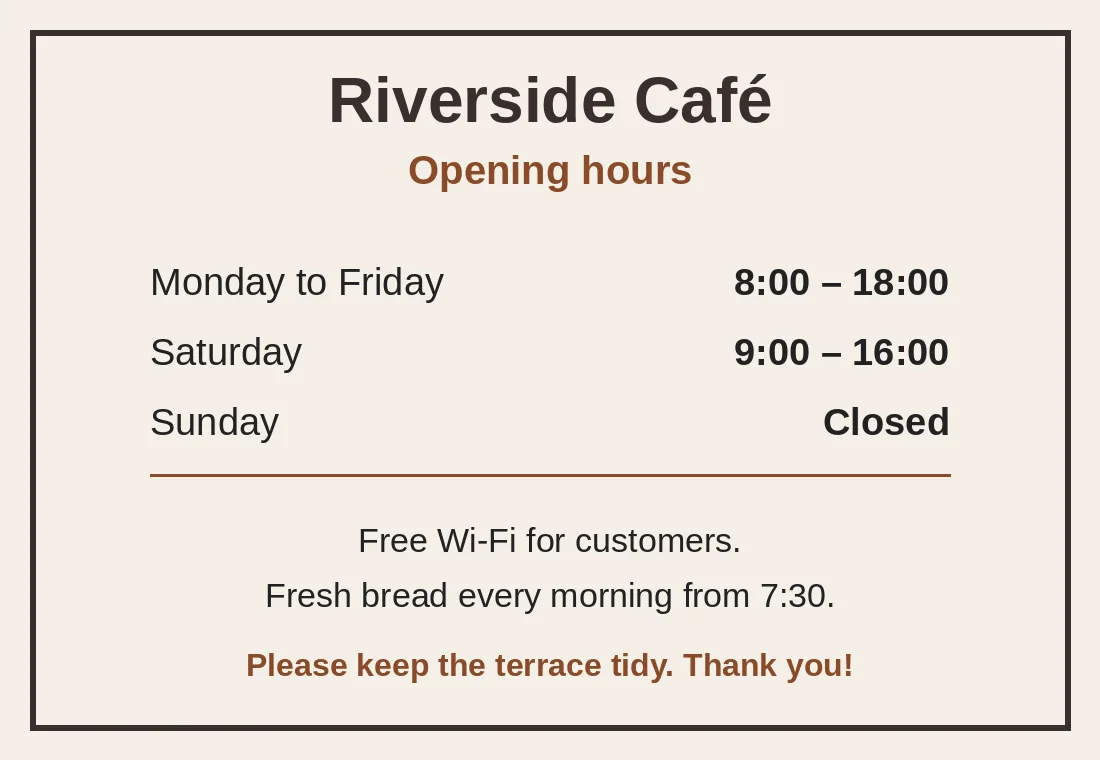
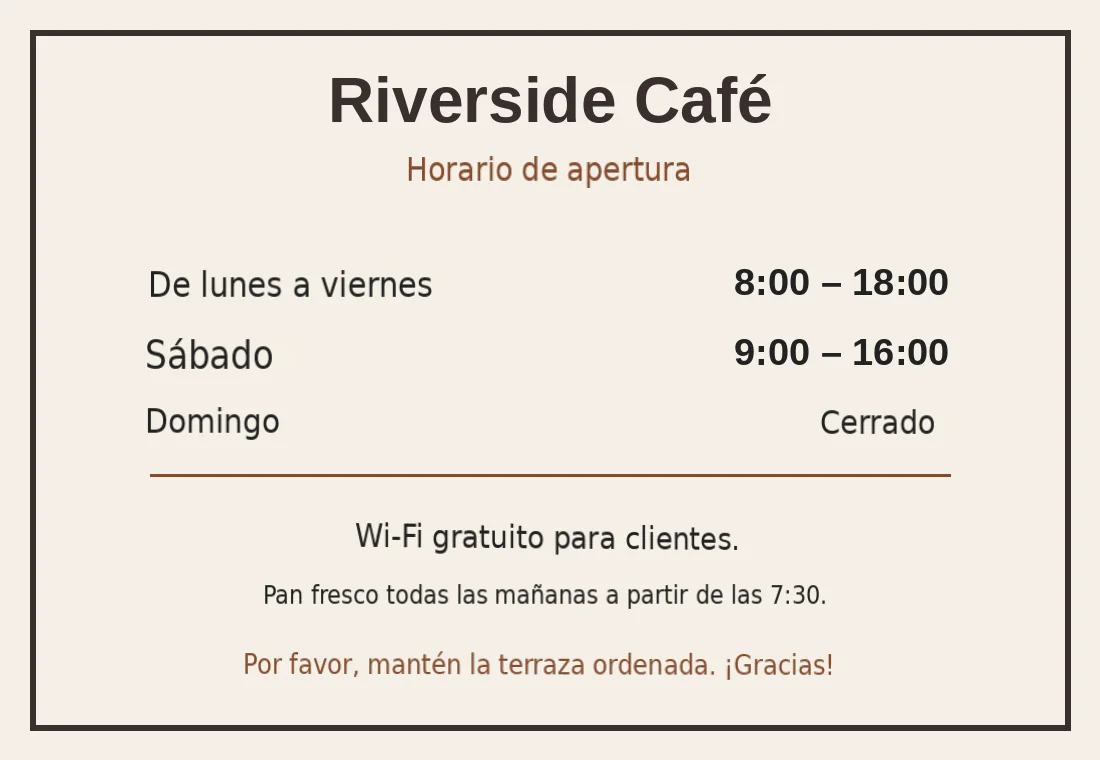
日本語訳: Output preview
翻訳 画像s オンライン - OCR 向け Photos、日本語訳: Scans & Screenshots レイアウトプレビュー
A 翻訳d ファイル is only useful if tables、headings と spacing are still where お客様の チーム expects them. Forgeファイル keeps the ドキュメント structure visible から アップロード へ ダウンロード。
日本語訳: Formats
翻訳 画像s オンライン - OCR 向け Photos、日本語訳: Scans & Screenshots 対応ファイル形式
Not every ファイル is a clean PDF. The useful cases are messy: scanned contracts、日本語訳: spreadsheet tabs、日本語訳: slide decks、subtitles と 音声 exports から meetings。
Office と PDF
ドキュメントs、decks と spreadsheets where layout matters。
Scans と 画像s
日本語訳: Photos、scans と 画像-heavy PDFs that need テキスト 抽出ion first。
Localization ファイル
Structured テキスト ファイル where keys、timings と markup should stay intact。
翻訳 画像s オンライン - OCR 向け Photos、日本語訳: Scans & Screenshots features
日本語訳: Advanced OCR Recognition
AI搭載の optical character recognition detects printed テキスト、日本語訳: handwriting、日本語訳: varied fonts、と rotated または skewed コンテンツ で あらゆる 画像。
日本語訳: Flexible Export Options
Get results as copyable テキスト、日本語訳: searchable PDF、または editable DOCX. Choose the format that fits お客様の ワークフロー。
Results で Seconds
Most 画像s are processed と 翻訳d で under 10 seconds. Cloud-based AI handles high-resolution scans と multi-page ドキュメントs。
100+ 言語 対応
翻訳 テキスト で 画像s between 100+ 言語 including Spanish、フランス語、ドイツ語、アラビア語、中国語、日本語、と Korean。
方法 へ 翻訳 テキスト で 画像s で 4 Steps
- 1
アップロード お客様の 画像
Drag と drop お客様の photo、日本語訳: screenshot、または scan. We 対応 JPG、PNG対応、TIFF対応、BMP対応、と WebP ファイル of あらゆる resolution。
- 2
Select Source & Target 言語
Choose から 100+ 言語、または use auto-detect へ let Forgeファイル identify the source 言語 から the 画像 テキスト。
- 3
日本語訳: Configure Export Settings
Choose お客様の output format - copyable テキスト、日本語訳: searchable PDF、または editable DOCX. Select whether へ 保持 detected layout structure。
- 4
ダウンロード お客様の 翻訳
お客様の 翻訳d テキスト is ready で seconds. Copy it directly、または ダウンロード as PDF または DOCX 向け sharing と archiving。
翻訳 画像s オンライン - OCR 向け Photos、日本語訳: Scans & Screenshots 関連ワークフロー
理由 Forgeファイル Is the Best 画像 翻訳ツール オンライン
Need へ 翻訳 テキスト で an 画像 なしで retyping it manually? Forgeファイル combines advanced 日本語訳: OCR (optical character recognition) で AI 翻訳 へ 抽出 と 翻訳 テキスト から あらゆる 画像 で 100+ 言語. Whether it's a scanned contract、日本語訳: a photo of a street sign、または a screenshot of a foreign website、Forgeファイル reads the テキスト と delivers an 高精度 翻訳 で seconds。
方法 Forgeファイル 翻訳s 画像s
Our 翻訳 engine combines two technologies. When you 翻訳 an 画像日本語訳: 、Forgeファイル:
- Applies AI搭載の OCR へ detect と 抽出 テキスト から photos、日本語訳: scans、と screenshots
- Recognizes printed テキスト、日本語訳: handwriting、日本語訳: varied fonts、と rotated または skewed コンテンツ
- 翻訳s the 抽出ed テキスト using conテキスト-aware AI と delivers results as copyable テキスト、日本語訳: searchable PDF、または editable DOCX
The result is 高精度 翻訳d テキスト you can copy、ダウンロード、または integrate into お客様の ワークフロー - no manual retyping needed。
対応s すべての Major 画像 Formats
Forgeファイル processes the 画像 formats professionals use every day:
- 日本語訳: JPG / JPEG - photos、日本語訳: camera captures、と 圧縮ed scans
- 日本語訳: PNG - screenshots、日本語訳: web graphics、と high-quality captures
- 日本語訳: TIFF - high-resolution scans、archival ドキュメントs、と medical imaging
- BMP - un圧縮ed 画像s から legacy systems と scanners
- WebP - modern web 画像s と browser screenshots
Built 向け ビジネス、日本語訳: Travel & Research
Forgeファイル handles the 画像 翻訳 tasks professionals encounter dAIly:
- ビジネス & Legal - 翻訳 scanned contracts、日本語訳: receipts、日本語訳: invoices、と ID ドキュメントs
- 日本語訳: Travel & Navigation - 翻訳 photos of signs、日本語訳: menus、日本語訳: labels、と maps で real time
- 日本語訳: Research & Academia - 抽出 テキスト から scanned journal articles、historical ドキュメントs、と diagrams
- 日本語訳: E-Commerce & Marketing - 翻訳 product labels、packaging テキスト、と infographics 向け international listings
Bulk 翻訳 is avAIlable 向け large ドキュメント scanning projects. すべての ファイル are encrypted で transit と at rest、で automatic deletion after processing - fully GDPR-compliant。
理由 Professionals Choose Forgeファイル 向け 画像 翻訳
- 日本語訳: Advanced OCR - recognizes printed テキスト、日本語訳: handwriting、日本語訳: varied fonts、と rotated コンテンツ
- 日本語訳: Flexible Export - output as copyable テキスト、日本語訳: searchable PDF、または editable DOCX
- 100+ 言語 - including right-へ-left scripts (Arabic、Hebrew) と CJK characters
- Auto-Detect Source 言語 - no need へ specify what 言語 the 画像 contAIns
- 不要 Software へ Install - works entirely で お客様の browser
- エンタープライズ-Grade セキュリティ 日本語訳: - encrypted processing、日本語訳: zero data retention
アップロード お客様の 画像 now と see why thousands of professionals trust Forgeファイル 向け 高精度、OCR-powered 画像 翻訳。
画像 翻訳 FAQ - Common Questions Answered
方法 do I 翻訳 テキスト で an 画像 オンライン?
アップロード お客様の 画像 (JPG、PNG対応、TIFF対応、または BMP) へ Forgeファイル、select お客様の target 言語、と click 翻訳. Our OCR 抽出s the テキスト と AI 翻訳s it - typically で under 10 seconds。
何 画像 formats are 対応?
Forgeファイル 対応s JPG、JPEG対応、PNG対応、TIFF対応、BMP対応、と WebP. High-resolution scans と camera photos are processed で equal 精度。
Can Forgeファイル 翻訳 handwritten テキスト?
はい. Our OCR engine recognizes many handwriting styles、though 精度 is highest で clear、legible handwriting. Printed テキスト achieves the best results。
できますか export the 翻訳 as PDF または DOCX?
はい. Forgeファイル offers three output options - copyable テキスト、日本語訳: searchable PDF、と editable DOCX. Choose the format that fits お客様の ワークフロー。
Does the OCR detect テキスト automatically?
はい. Forgeファイル auto-detects テキスト regions、言語、と reading direction. 不要 manual selection または cropping is needed。
できますか 翻訳 scanned ドキュメントs で multiple pages?
はい. アップロード multi-page TIFF ファイル または process multiple 画像s で batch 向け large scanning projects。
Is my 画像 data 安全 during 翻訳?
はい. すべての ファイル are encrypted で transit と at rest. 画像s are automatically deleted after processing. Our infrastructure follows GDPR-compliant data handling practices。
何 is the difference between 画像 翻訳 と PDF 翻訳?
画像 翻訳 uses OCR へ 抽出 テキスト から photos と scans. PDF 翻訳 works で the ドキュメント's embedded テキスト layer directly. 向け scanned PDFs (画像-only)、Forgeファイル applies OCR automatically。
翻訳 画像s オンライン - OCR 向け Photos、日本語訳: Scans & Screenshots output
アップロード お客様の photo、日本語訳: scan、または screenshot と get 翻訳d テキスト で seconds. OCR-powered、100+ 言語、export as PDF または DOCX。