
Slide Layout Preservation
Every text box, image, chart, and design element stays exactly where it belongs. Your translated slides are presentation-ready - no manual repositioning.
Upload any PowerPoint presentation and get an accurate translation in 100+ languages. Slide layouts, animations, images, and speaker notes - all preserved.
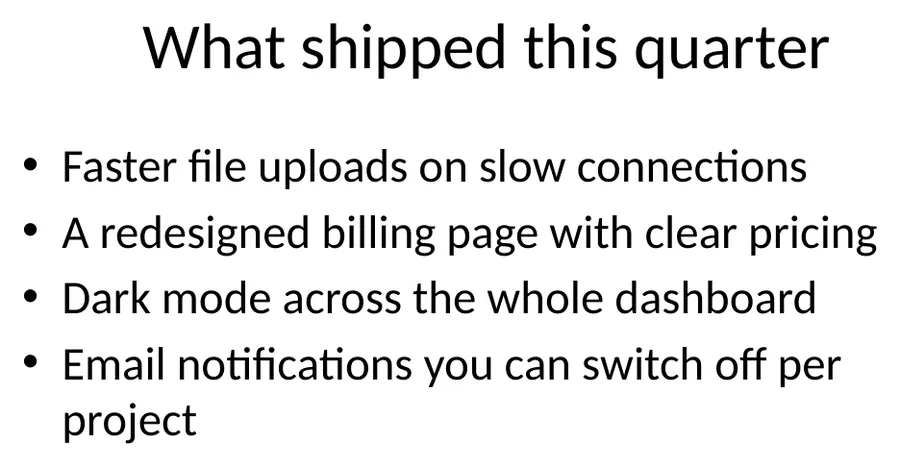
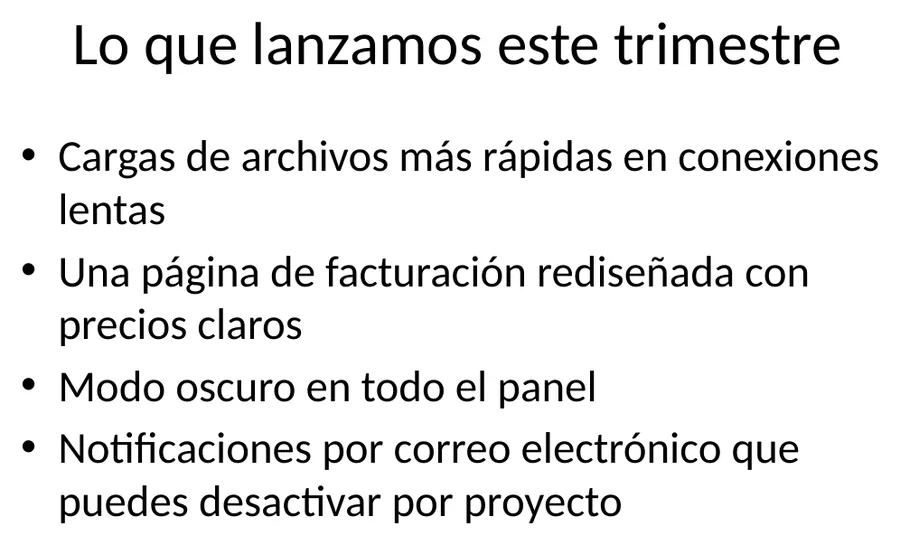
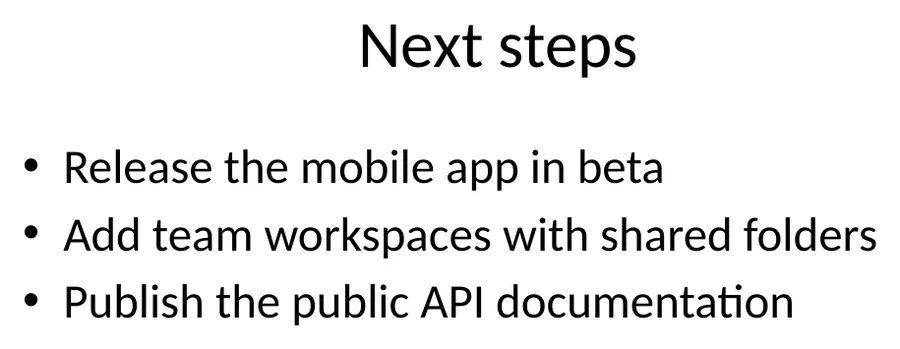
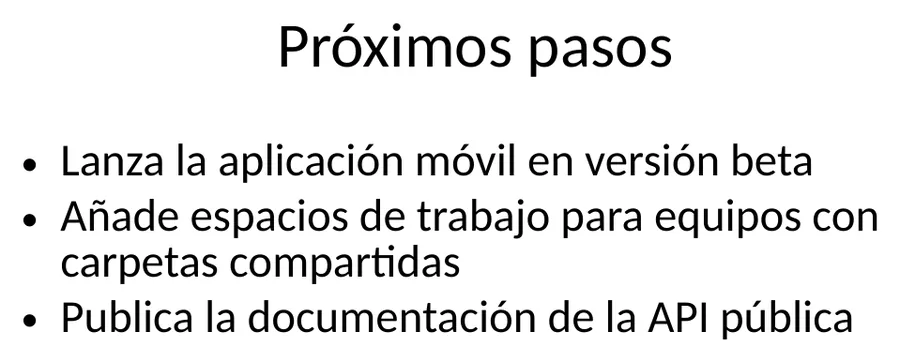
Translation example
Four slides with bullets, a real table and speaker notes, written for this page. Slides, text boxes, table cells and notes are all counted below.
Source
Result
Source
Result
The numbers 4.1 and 4.6 keep a decimal point; Spanish writes 4,1. Check numeric formats before publishing.
2026-10-08 verified — Amanda Lee
Every text box, image, chart, and design element stays exactly where it belongs. Your translated slides are presentation-ready - no manual repositioning.
All animations, slide transitions, and timing sequences are fully preserved. Your translated deck delivers the same visual impact as the original.
Cloud-based AI infrastructure handles decks with hundreds of slides.
Translate PPT and PPTX files between 100+ languages including Spanish, French, German, Arabic, Chinese, Japanese, and Korean.
Need to translate a PowerPoint presentation without rebuilding every slide? ForgeFile is an AI-powered PPT and PPTX translator that converts your presentations into 100+ languages while preserving every slide layout, animation, image, and design element. Whether it's a sales deck, a training course, or an investor pitch, your translated presentation is ready to deliver.
Our translation engine parses each slide's structure before translating. When you translate a PowerPoint file, ForgeFile:
The result is a presentation-ready deck you can open and present immediately - no manual slide-by-slide editing.
ForgeFile handles both modern .pptx and legacy .ppt formats. No matter which version of PowerPoint created your file, the translator preserves:
ForgeFile handles the presentations professionals create every day:
Bulk translation and API access are available for teams processing high volumes. All files are encrypted in transit and at rest - fully GDPR-compliant.
PPTX is part of the Office Open XML standard - see ECMA-376 for the full specification.
Upload Your Presentation
Drag and drop your .ppt or .pptx file, or browse to select it. We support presentations with any number of slides.
Select Source & Target Language
Choose from 100+ languages. ForgeFile auto-detects the source language, so you can jump straight to selecting your target.
Configure Translation Settings
Choose whether to include speaker notes and comments in the translation. Select output as PPTX or export to PDF for easy sharing.
Download Your Translated Presentation
Your translated deck is ready in minutes. All slide layouts, animations, images, and design elements are preserved - download and present immediately.
Upload your PPT or PPTX file to ForgeFile, select your target language, and click Translate. Our AI translates all slide content while preserving layouts, animations, and design.
Yes. ForgeFile supports both modern .pptx and legacy .ppt formats. Both are translated with full preservation of slide layouts, animations, images, and speaker notes.
Absolutely. ForgeFile maps every text box, shape, chart, and design element before translation and rebuilds each slide with translated text in the exact same positions and styling.
Yes. All slide animations, transitions, timing sequences, and build effects are fully preserved. Your translated presentation delivers the same visual experience.
Yes. Speaker notes and comments are translated along with slide content. You can also choose to exclude them if preferred.
The maximum file size depends on your plan. For larger files or bulk translation needs, contact us about enterprise plans with higher limits and API access.
Files are encrypted in transit and at rest. How long they are kept depends on your plan.
Google Translate cannot process PowerPoint files directly. ForgeFile translates the entire presentation file while preserving all slide layouts, animations, images, charts, and speaker notes.
Upload your PPT or PPTX file and get professional-quality translation in minutes. Slides and animations preserved, every time.