
Style Preservation
Every paragraph style, character style, font, and color stays exactly as in the original. Your translated ODT is ready to edit and share.
Upload any ODT file and get an accurate translation in 100+ languages. Styles, tables, images, and document structure - all preserved. LibreOffice and OpenOffice compatible.
Translation example
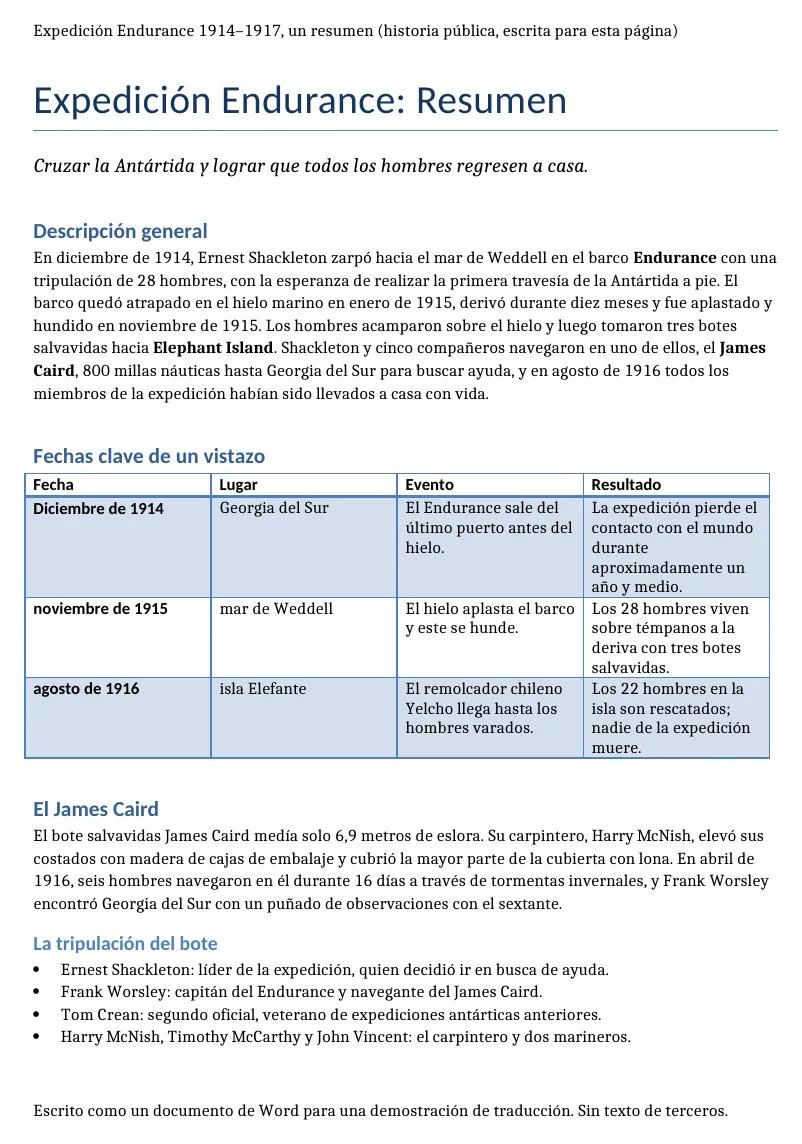
A short brief on Shackleton's Endurance expedition (1914–1917), written for this page and saved as ODT: headings, a table, bold text, lists, a header and a footer. The counts below come from the two files.
Source
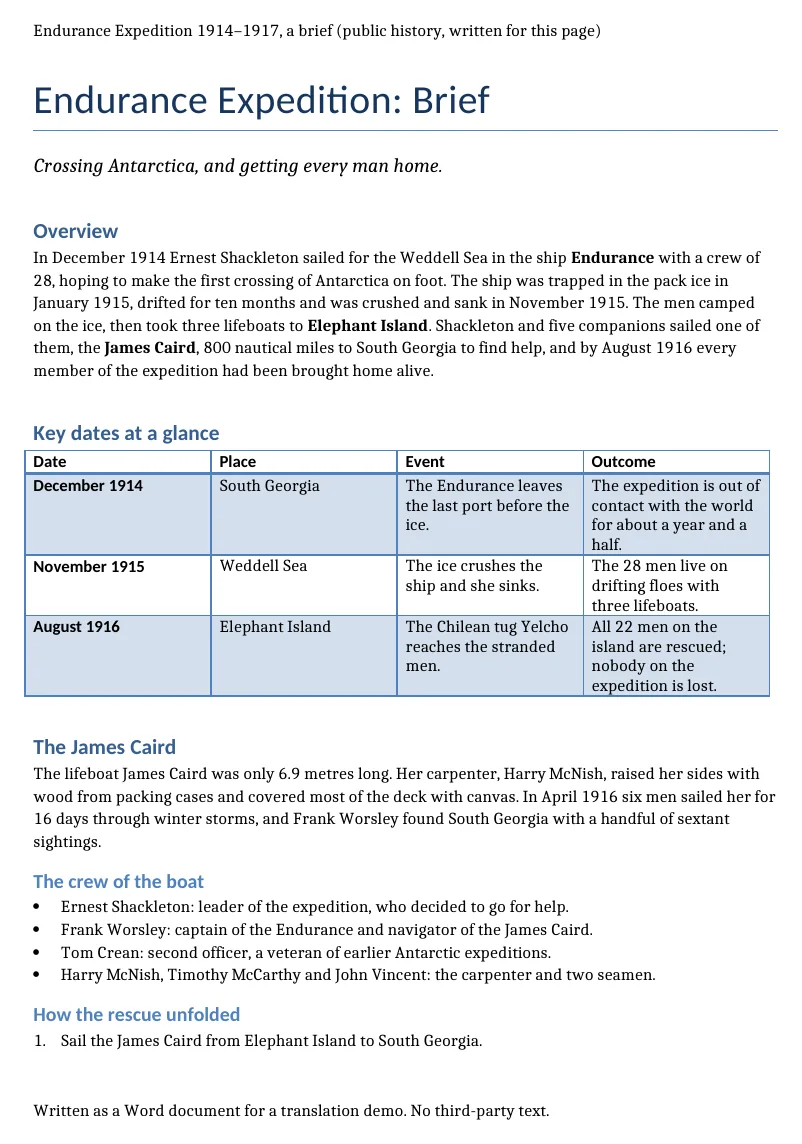
Result
Source
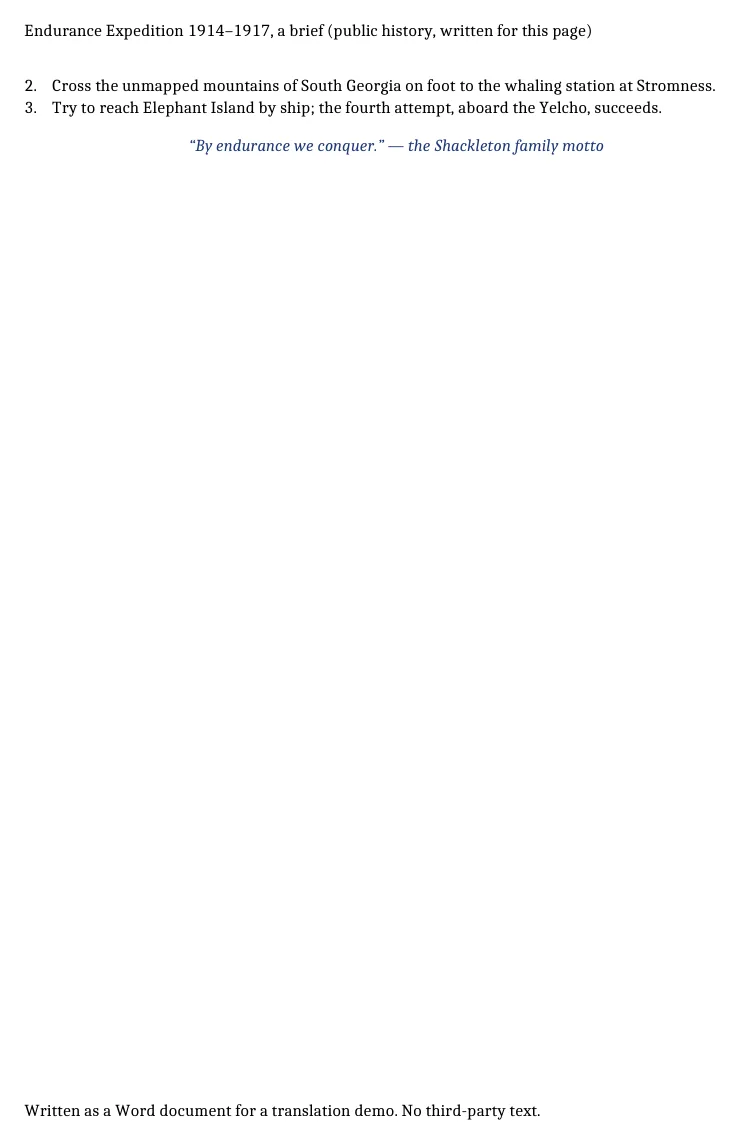
Result
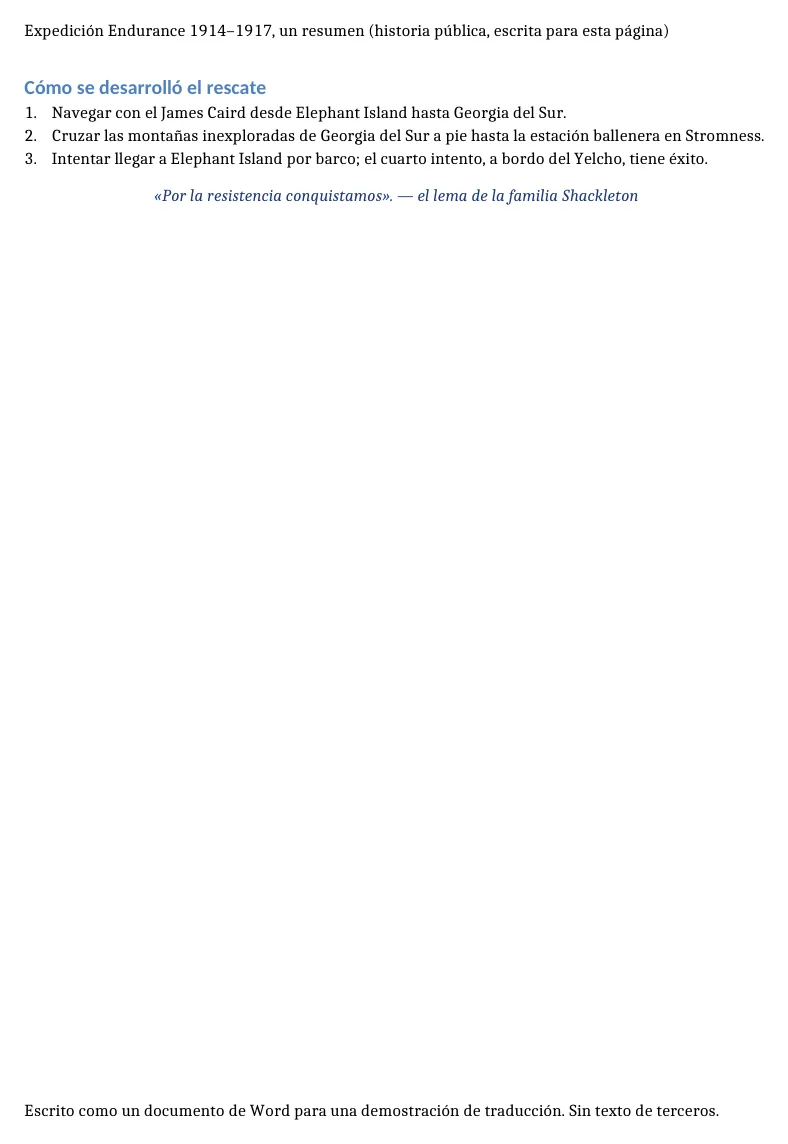
The document now declares Spanish, so the spell-checker does not underline every word.
“Elephant Island” stays in English in the text but becomes “isla Elefante” in the table, and “Weddell Sea” is lower-cased. Pin names like this with a glossary.
2026-10-09 verified — Amanda Lee
Every paragraph style, character style, font, and color stays exactly as in the original. Your translated ODT is ready to edit and share.
Native ODT handling - no conversion to DOCX needed. Open your translated file directly in LibreOffice, OpenOffice, or Collabora.
Cloud-based AI infrastructure handles long manuscripts and complex documents.
Translate ODT files between 100+ languages including Spanish, French, German, Arabic, Chinese, Japanese, and Korean.
Need to translate an ODT file without losing your formatting? ForgeFile is an AI-powered OpenDocument translator that converts your ODT files into 100+ languages while preserving every style, table, image, and page layout. Whether it's a research paper in LibreOffice, a contract in OpenOffice, or a manuscript in Collabora, your translated document is ready to edit and share.
Our translation engine understands the OpenDocument format natively. When you translate an ODT file, ForgeFile:
The result is a fully functional OpenDocument file you can open in LibreOffice, OpenOffice, or any compatible editor - no reformatting needed.
ForgeFile is built for the open-source document ecosystem. The translator preserves:
ODT is the standard format for organizations that rely on open-source software. ForgeFile handles the documents these teams create:
Bulk translation and API access are available for teams processing high volumes. All files are encrypted in transit and at rest - fully GDPR-compliant.
ODT is part of the OpenDocument Format standard - see the OASIS OpenDocument specification.
Upload Your ODT File
Drag and drop your . odt file, or browse to select it. The maximum file size depends on your plan.
Select Source & Target Language
Choose from 100+ languages. ForgeFile auto-detects the source language, so you can jump straight to selecting your target.
Configure Translation Settings
Choose output format - keep as ODT or convert to DOCX or PDF. Select whether to include headers, footers, and annotations.
Download Your Translated Document
Your translated ODT file is ready in minutes. All styles, tables, images, and page layouts are preserved - download and use immediately.
Upload your ODT file to ForgeFile, select your target language, and click Translate. Our AI translates the text content while preserving all styles, tables, and formatting.
Yes. ForgeFile handles the ODT format natively - no conversion needed. Your translated file opens in LibreOffice, OpenOffice, Collabora, and any OpenDocument-compatible editor.
Absolutely. Paragraph styles, character styles, custom fonts, colors, tables, and page layouts are all preserved exactly as in the original.
Yes. All embedded images, shapes, and drawing objects are preserved in their original positions during translation.
Yes. ForgeFile can output your translation as ODT, DOCX, or PDF - giving you flexibility for sharing and distribution.
For larger files or bulk translation needs, contact us about enterprise plans with higher limits and API access. The maximum file size depends on your plan.
Files are encrypted in transit and at rest. How long they are kept depends on your plan.
ODT is the open-source standard used by LibreOffice and OpenOffice. DOCX is the Microsoft Word format. ForgeFile supports both natively with full formatting preservation - no conversion step required.
Upload your ODT file and get professional-quality translation in minutes. Styles and formatting preserved, every time.