
AI & Technology
How to Translate Legal Documents OnlineWhy Legal Document Translation Is Different Legal documents carry precise language where a single mistranslated term ca…

Amanda Lee
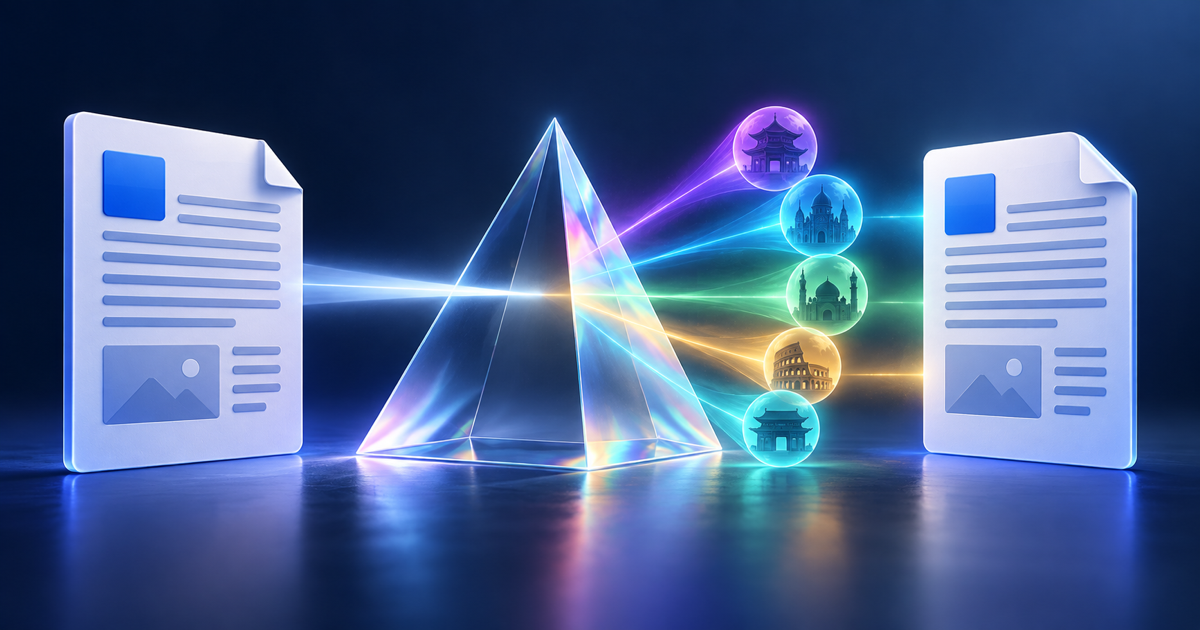
A DOCX file is not just text. It is a structured document where every paragraph is tagged with a named style (Heading 1, Body Text, Caption), tables carry column width and border definitions, images are anchored to specific positions, comments are attached to specific text ranges, and tracked changes record an edit history. When you paste the content into a basic translator, every one of those relationships is stripped away. You get the words back — and nothing else.
For a short internal email that might be acceptable. For a business proposal, a legal brief, a product specification, or a report that will go into another document — losing styles and structure means rebuilding the entire document from scratch after translation. That defeats the purpose entirely.
A proper Word document translator works at the XML level of the DOCX format, not on extracted text. It translates content while leaving structural tags, style references, image anchors, and table definitions intact. The translated file opens in Word (or Google Docs, or LibreOffice) exactly as the original did — the same styles, the same table of contents structure, the same header and footer layout.
If your document uses custom styles with unusual names, make sure those style names exist in the translated version's template too. ForgeFile preserves style tags exactly — if the receiving template doesn't have that style defined, Word will apply a default style as a fallback.
Business proposals translated for international clients are the most common use case: the document arrives with the same visual identity — branded fonts, layout, colour — as the original. Legal documents (NDAs, service agreements, employment contracts) require accurate translation of every clause while preserving numbered sections. Technical specifications need translated content that still lines up with the diagrams and tables that frame it. Academic submissions need their abstract, body, figures, and reference list all in the correct format for the target journal.
Yes, but we recommend accepting or rejecting all tracked changes before uploading. Active tracked changes duplicate every modified text segment (original + revision), which can confuse the translation engine and produce doubled or inconsistent content. Accept all changes, save, then translate.
The table of contents entries will be translated, but the page numbers may be off because reflowing translated text changes page breaks. Open the translated file in Word and press Ctrl+A → F9 (or right-click the TOC → Update Field) to regenerate the page numbers after translation.
Not directly. Remove the password in Word (File → Info → Protect Document → Encrypt with Password → clear the field) before uploading. Once unprotected, the file translates normally.
Upload any .docx file and receive an accurate translation in 100+ languages with all styles, tables, and structure intact.
Translate a DOCX Free
AI & Technology
How to Translate Legal Documents OnlineWhy Legal Document Translation Is Different Legal documents carry precise language where a single mistranslated term ca…
Amanda Lee

AI & Technology
How to Translate a PDF Without Losing FormattingWhy PDF Translation Is Harder Than It Looks Most people's first instinct is to copy text from a PDF, paste it into an o…
Amanda Lee