
AI & Technology
How to Translate Financial Documents Online Without Changing NumbersWhy Financial Documents Need Special Handling Financial documents sit at the intersection of language and mathematics. …

Amanda Lee
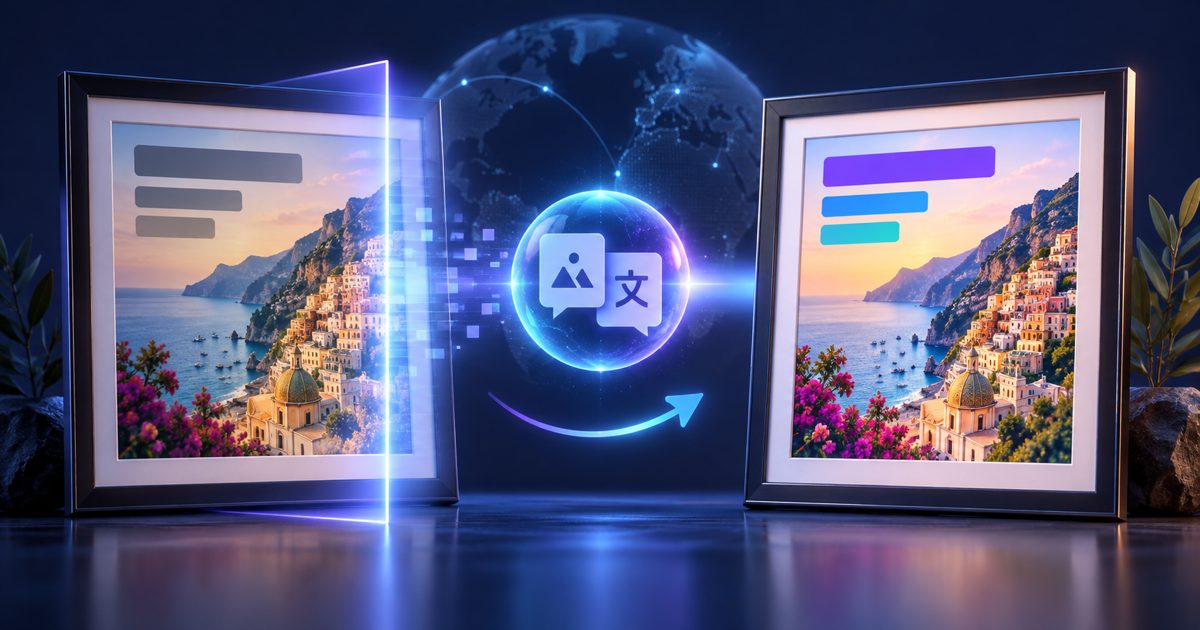
Images do not expose their text to search engines, copy-paste tools, or translation services. Text in a product photo, a screenshot, a road sign, or a scanned infographic is visually visible but technically inaccessible. To translate it you would traditionally need to retype every word manually — which is slow, error-prone, and impractical for dozens of images.
ForgeFile solves this with a two-stage pipeline: first it extracts text from the image using OCR, then it translates the extracted text while preserving the original layout structure.
info
Yes. ForgeFile returns both a plain-text translation and an annotated version of the original image with translated text overlaid in the correct positions. The overlay version is ideal for QA review and side-by-side comparison.
Printed and typeset text is translated with high accuracy. Handwritten text recognition depends heavily on legibility. Clear, block-letter handwriting often works, but cursive or stylized handwriting may not be extracted reliably.
Supported scripts include CJK (Chinese, Japanese, Korean), Arabic, Hebrew, Cyrillic, Devanagari (Hindi), and all major Latin-script languages. Script detection is automatic — you do not need to specify the source language in most cases.
Upload an image and get all embedded text translated in seconds.
Translate Text in Your
AI & Technology
How to Translate Financial Documents Online Without Changing NumbersWhy Financial Documents Need Special Handling Financial documents sit at the intersection of language and mathematics. …
Amanda Lee

AI & Technology
How to Translate Medical Documents Online Without Losing Clinical AccuracyWhy Medical Document Translation Is Different Medical translation is not just bilingual substitution. A mistranslated d…
Amanda Lee