AI & Technology
How to Transcribe Audio to Text Online (Free & Fast)Why Manual Transcription Doesn't Scale Transcribing a one-hour interview by hand takes four to six hours for an ex…

Amanda Lee
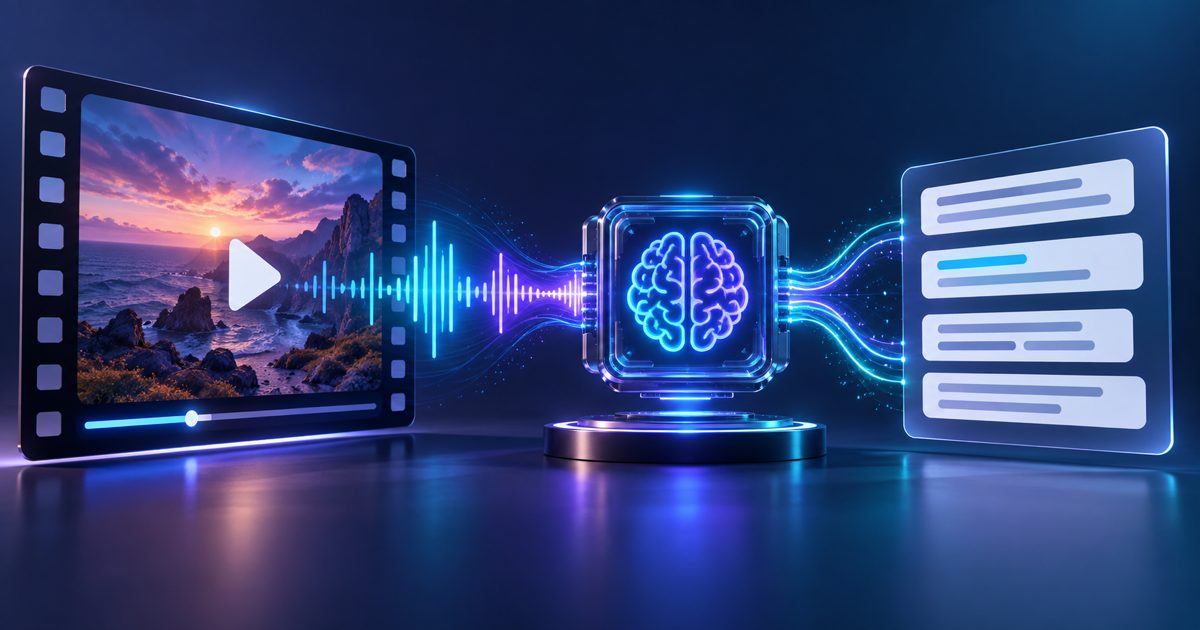
Video content is rich but inaccessible. Search engines cannot index spoken words. Viewers with hearing impairments cannot follow along without captions. Content creators cannot repurpose video into blog posts or training materials without a transcript. Video transcription solves all three problems in one step: it makes spoken content searchable, accessible, and reusable.
info
Yes. Enable auto language detection when uploading. The engine detects the dominant language and transcribes accordingly. For videos that switch languages mid-recording, contact support for a multi-language pass option.
Both formats contain the same transcript content with timestamps. SRT (SubRip) is the standard for most video platforms (YouTube, Vimeo, social media). VTT (WebVTT) is the web standard used in HTML5 video players and modern browsers. If unsure, choose SRT — it is accepted everywhere.
Yes. The SRT and VTT export files are ready-to-upload caption files. On YouTube, go to Videos > Subtitles > Add subtitles > Upload file and upload the SRT directly. The captions are synchronized to your video automatically.
For longer or larger videos, split the video into segments or upload the audio track only (which is much smaller) for faster processing.
Upload your video and get a complete timestamped transcript in minutes.
Transcribe Your Video Now
AI & Technology
How to Transcribe Audio to Text Online (Free & Fast)Why Manual Transcription Doesn't Scale Transcribing a one-hour interview by hand takes four to six hours for an ex…
Amanda Lee
AI & Technology
What Actually Controls Transcription Accuracy (Hint: It Is Mostly the Recording)The Recording Sets the Ceiling, the Model Only Approaches It Modern speech recognition is trained on enormous amounts o…
Amanda Lee