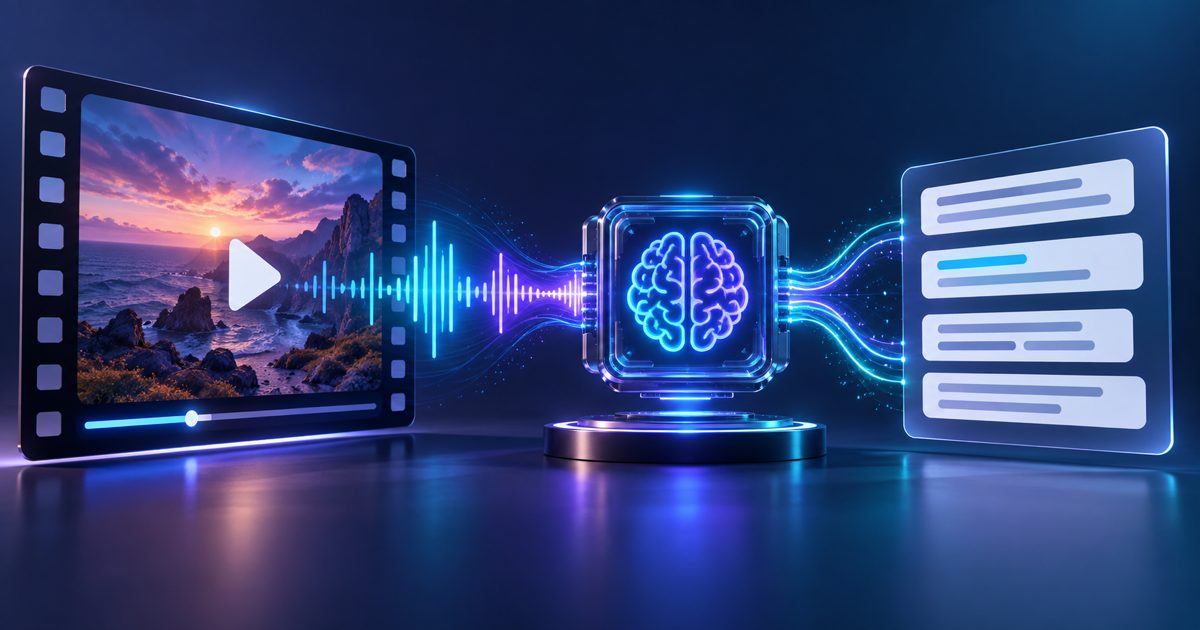
AI & Technology
How to Transcribe Video to Text Online (Any Format, Any Language)Why Transcribing Video Matters Video content is rich but inaccessible. Search engines cannot index spoken words. Viewer…

Amanda Lee
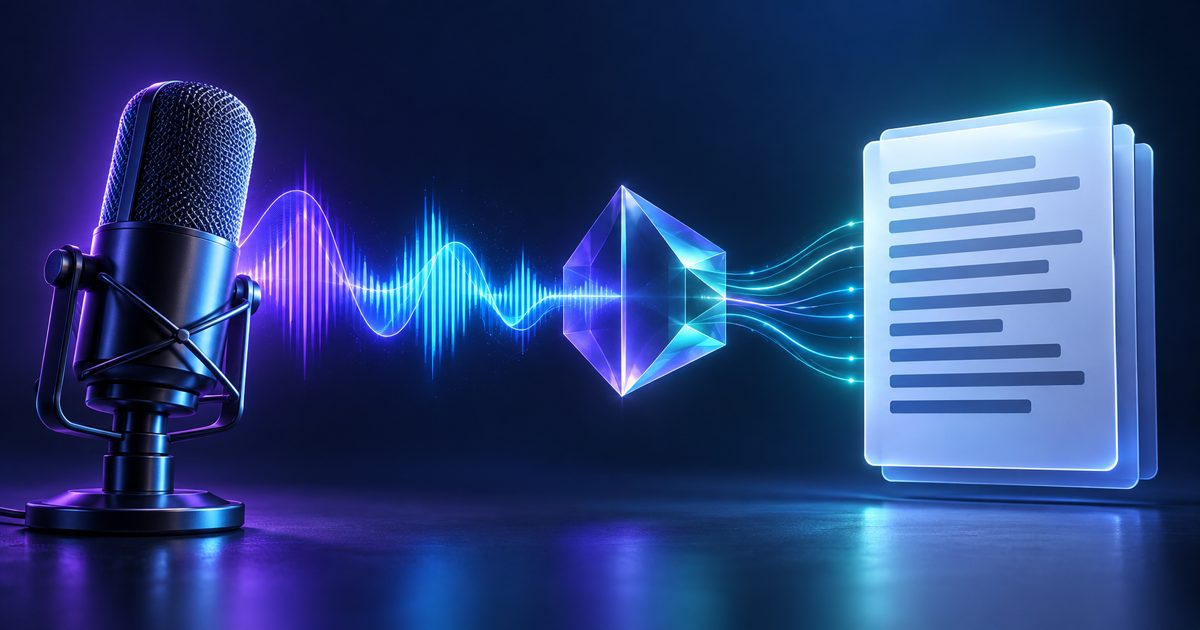
Transcribing a one-hour interview by hand takes four to six hours for an experienced typist. Multiply that across multiple recordings, languages, or tight deadlines, and manual transcription becomes a serious bottleneck. AI-powered transcription reduces that to minutes while adding features no human typist provides: automatic speaker diarization, word-level timestamps, and direct export to structured formats.
A quality transcription service does more than convert speech to text. Here is what the ForgeFile transcription engine captures:
ForgeFile accepts all common audio formats without conversion:
info
Speaker diarization identifies and labels different voices in a recording. The transcript shows "Speaker 1: . . . " and "Speaker 2: . . . " so you can follow conversations without manual annotation.
Yes. Upload MP4, MOV, MKV, or AVI files directly. ForgeFile extracts the audio track automatically and returns a transcript.
TXT (plain text), SRT (subtitles with timestamps), VTT (WebVTT for web players), DOCX (with speaker labels and timestamps), and JSON (word-level data for developers). All formats include speaker labels if diarization was enabled.
Upload your audio file and get a timestamped transcript in minutes.
Transcribe Your Audio Now
AI & Technology
How to Transcribe Video to Text Online (Any Format, Any Language)Why Transcribing Video Matters Video content is rich but inaccessible. Search engines cannot index spoken words. Viewer…
Amanda Lee
AI & Technology
What Actually Controls Transcription Accuracy (Hint: It Is Mostly the Recording)The Recording Sets the Ceiling, the Model Only Approaches It Modern speech recognition is trained on enormous amounts o…
Amanda Lee