Translate English to Spanish Online
English documents into the Spanish your market actually speaks — es-ES for Spain, es-MX for Mexico — with register and regional terminology matched. Upload a PDF, DOCX, XLSX or any of 67+ formats; the layout comes back untouched.
English to Spanish workflow
Translation example
English to Spanish, file by file: the original next to the result
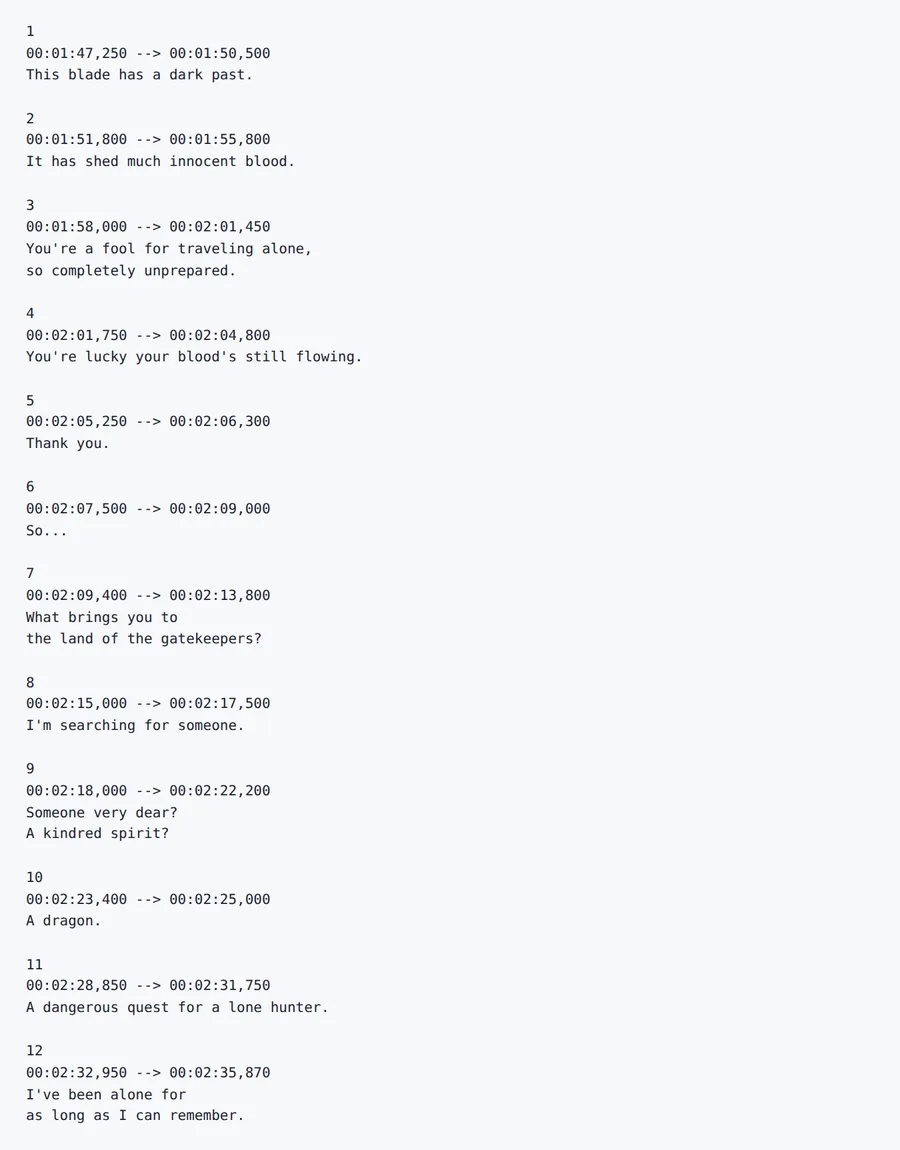
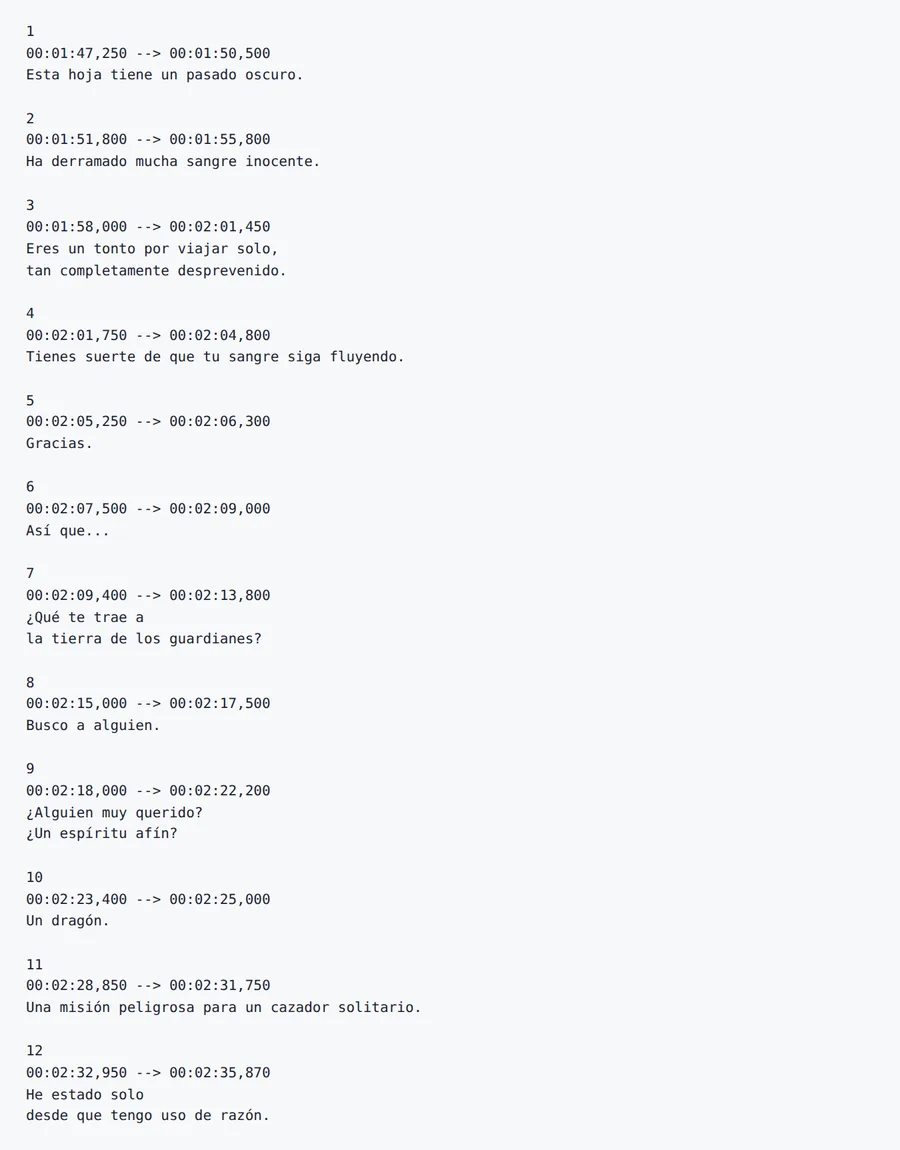
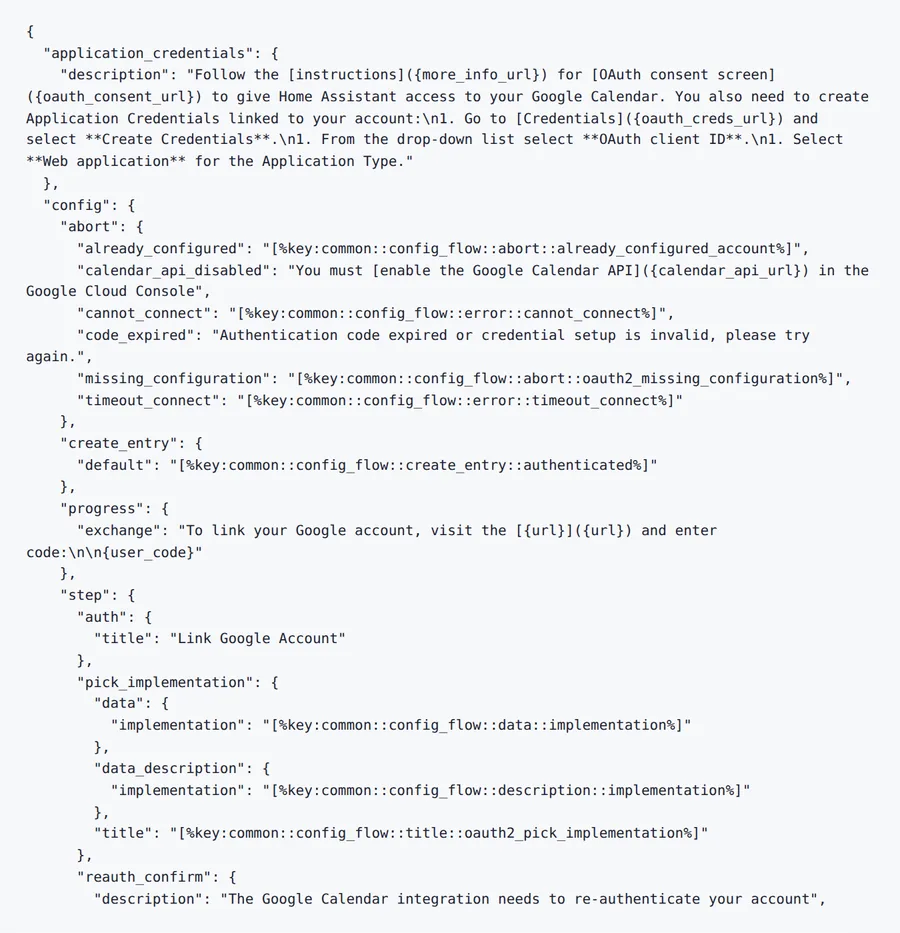
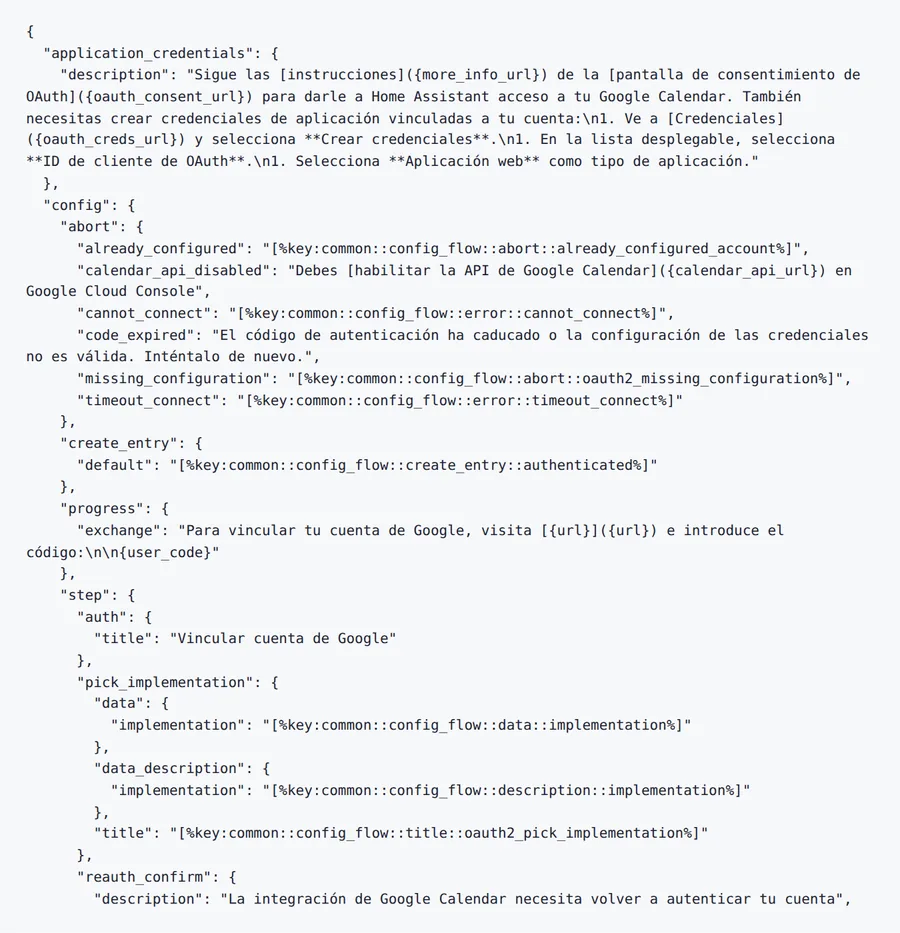
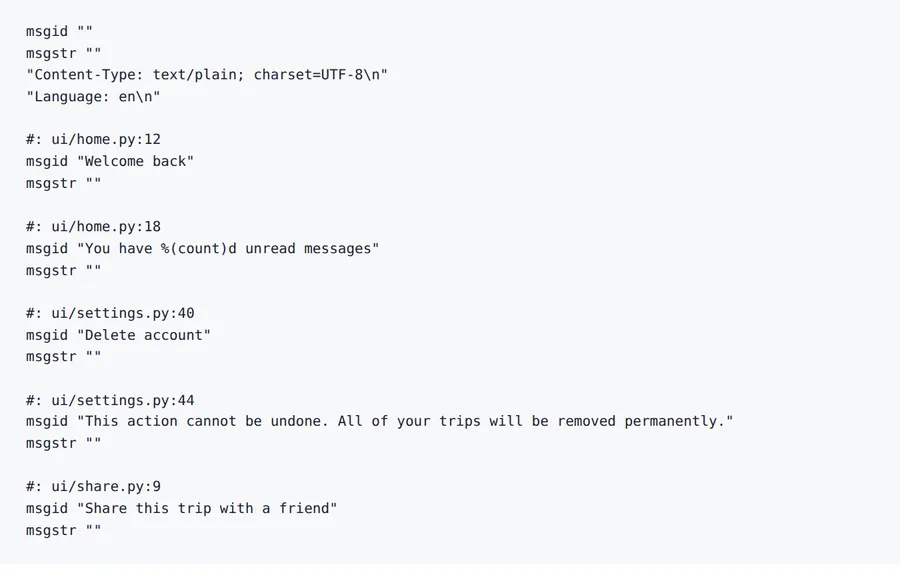
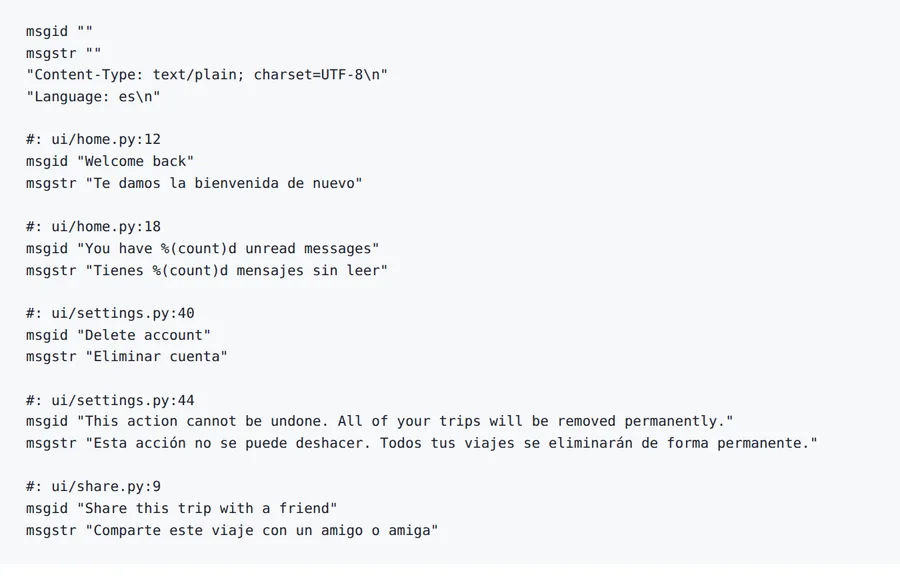
Eight real files translated on the ForgeFile production pipeline on 2026-10-08: Word, PDF, Excel, PowerPoint, an e-book, subtitles, a localisation file and a gettext catalogue. Each pair is the original beside the Spanish result, rendered as a reader would see it. Counts below were taken from the files, and the notes say where a result still needs a human look.
Source
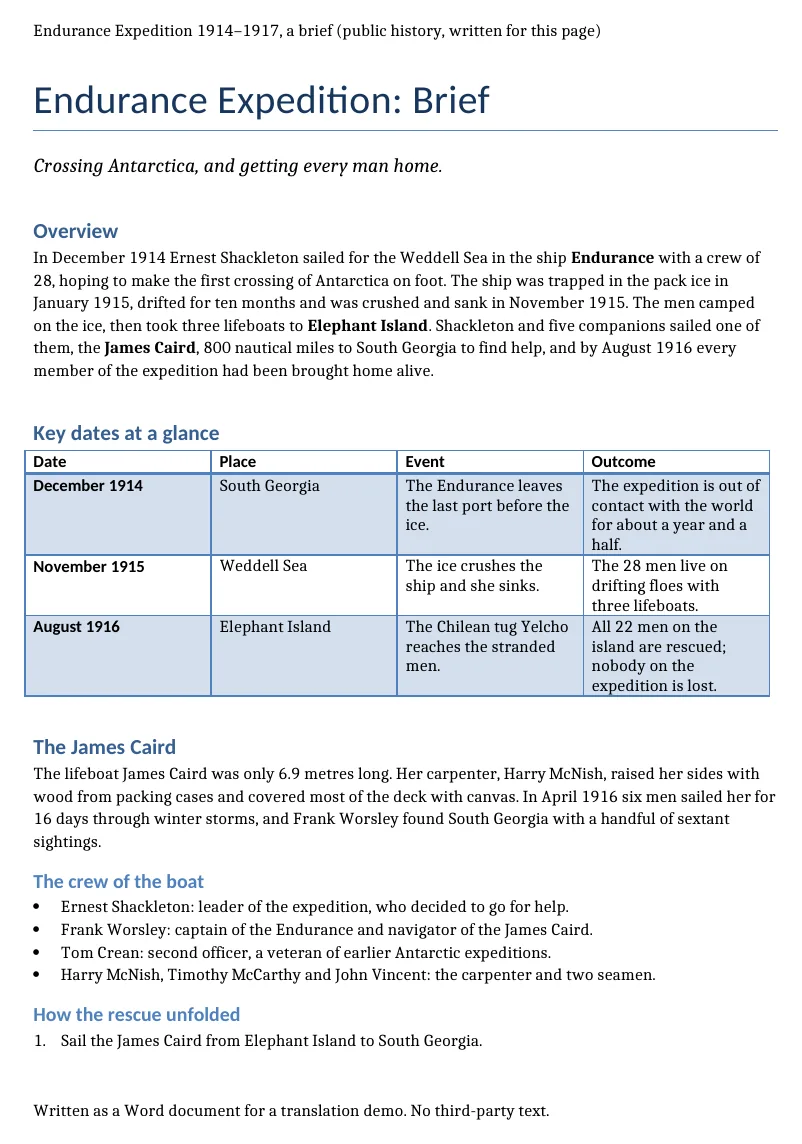
Result
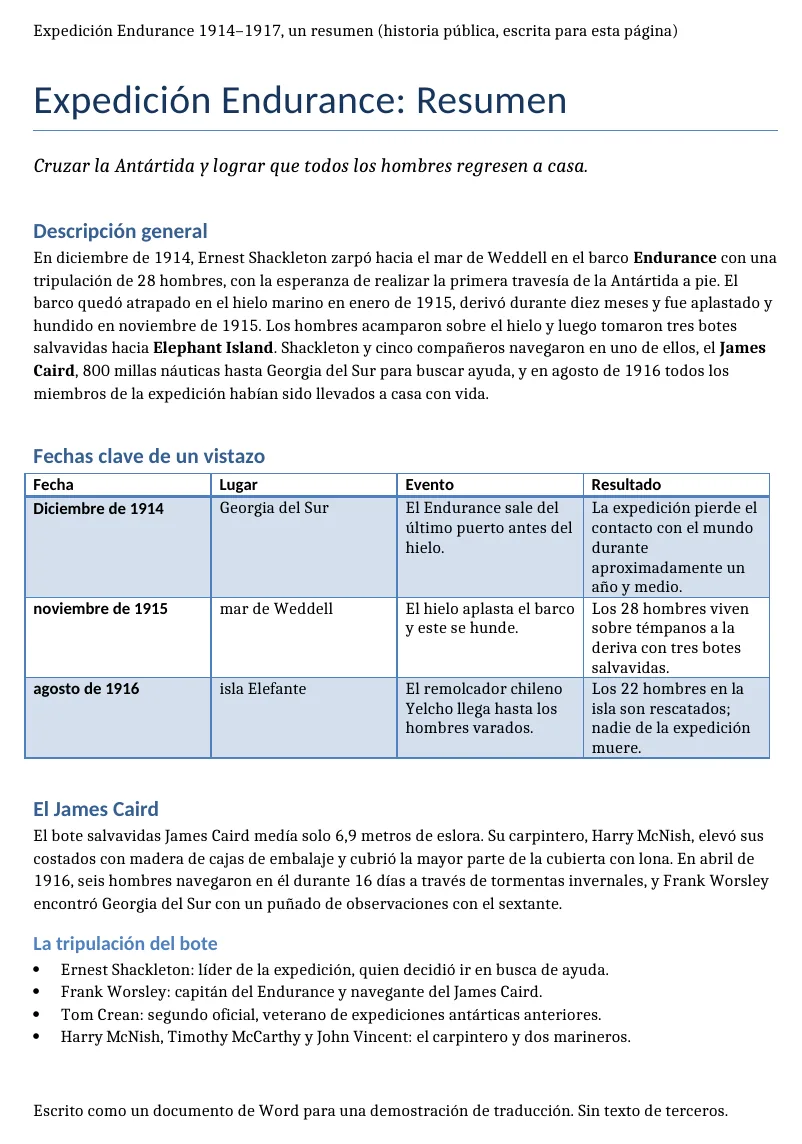
Source
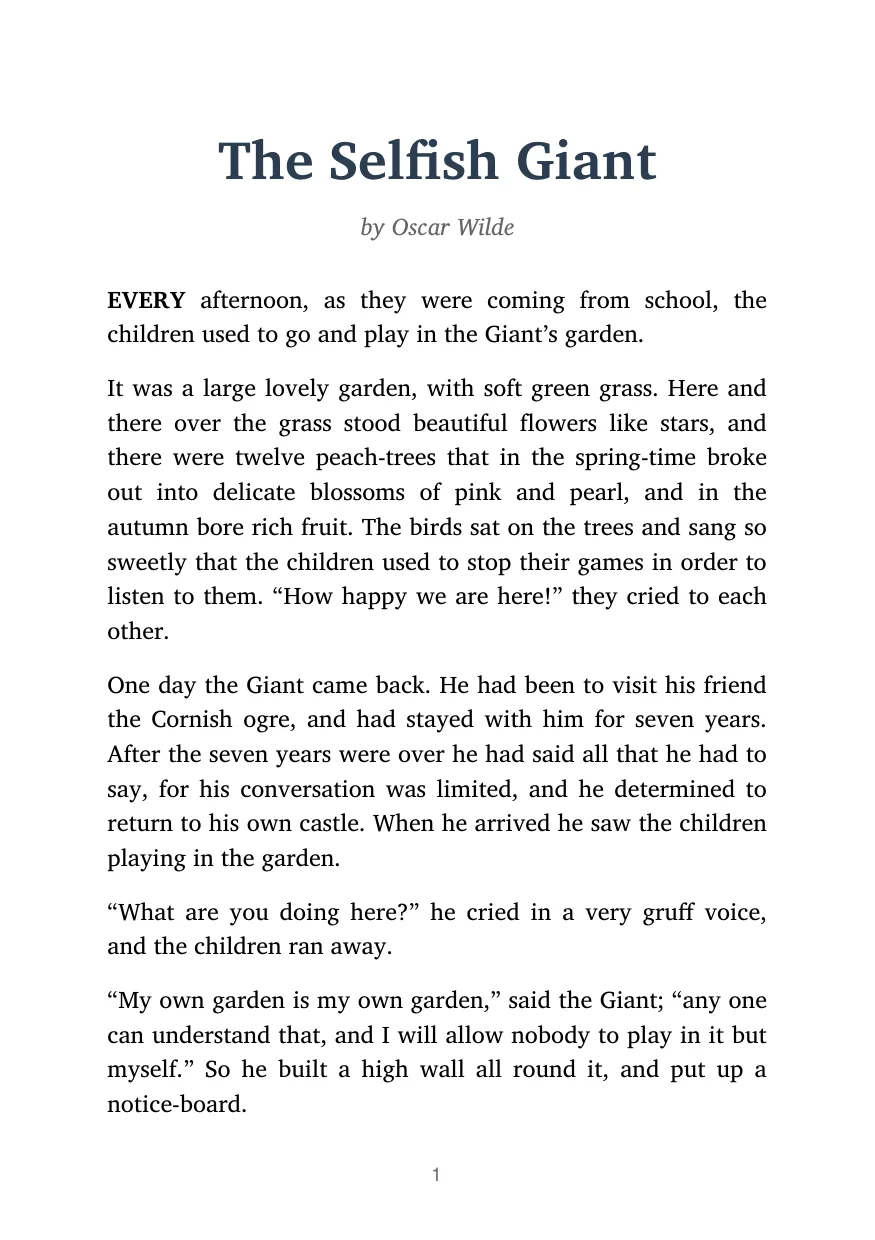
Result
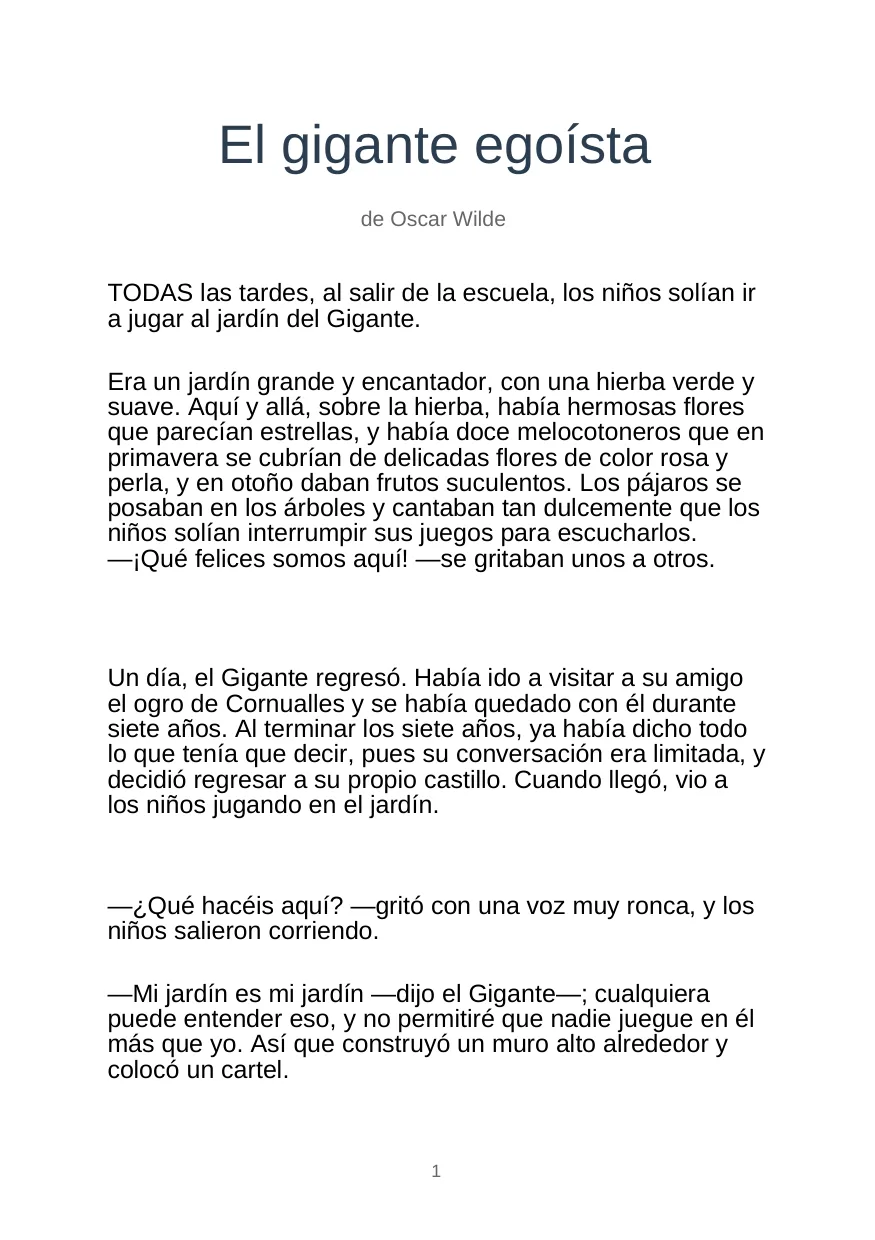
Source

Result

Source
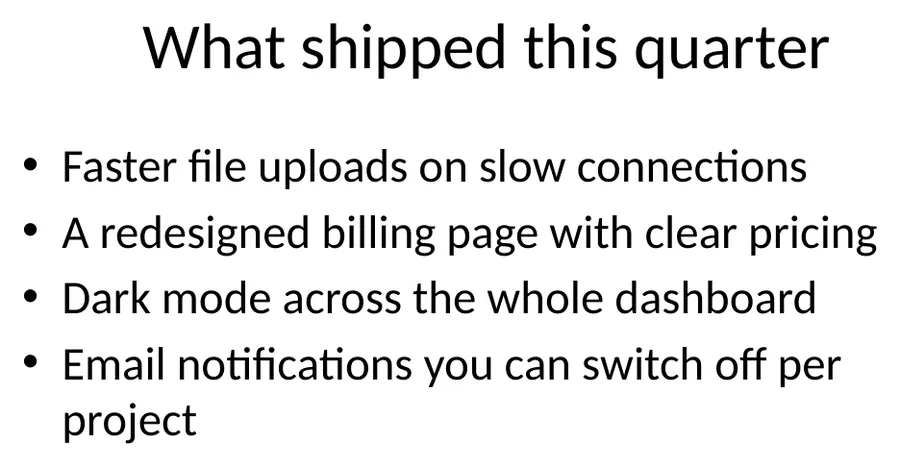
Result
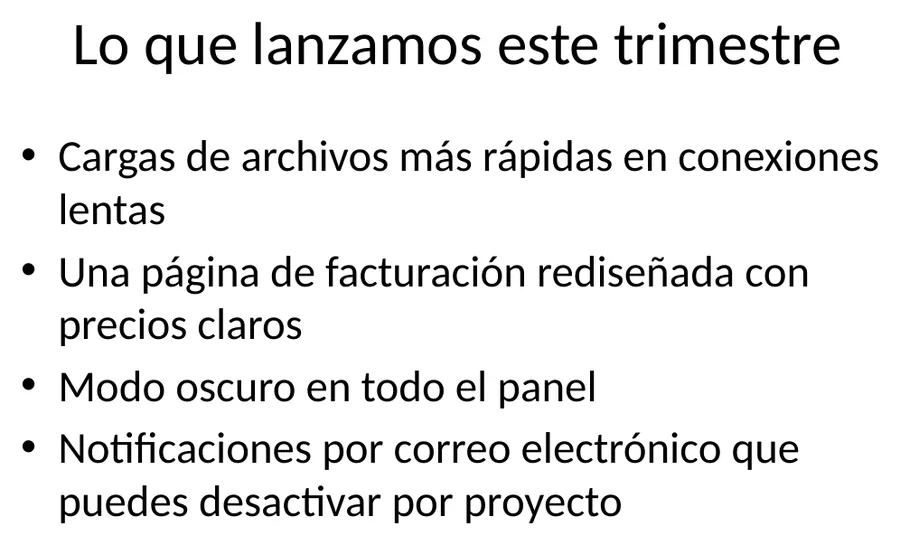
Source
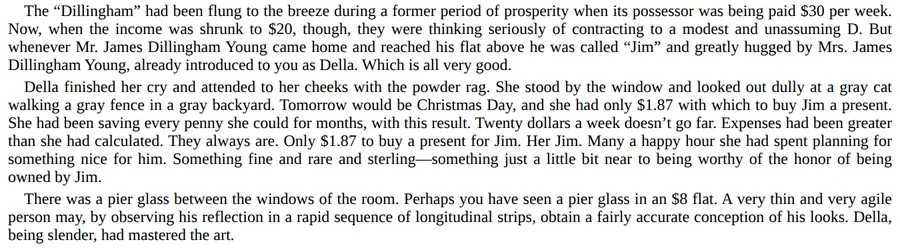
Result
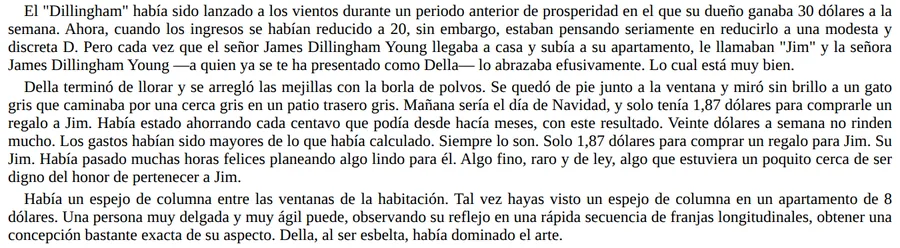
Source
Result
Source
Result
Source
Result
-
Structure counted and equal in every format shown
Paragraphs, slides, table cells, cues, keys and placeholders are the same before and after.
-
Numbers in the spreadsheet are identical
All four prices come back byte for byte.
-
No question marks in place of accents or dashes
Checked on the PDF, where it used to go wrong.
-
Pictures
Text that is part of a picture stays in English; only live text is translated.
-
Names
A character name can be translated two ways inside one file. Use a glossary for names that matter.
-
Numbers in text
One PowerPoint table keeps 4.1 where Spanish writes 4,1. Check number formats before you publish.
2026-10-08 verified — Amanda Lee
- English → Spanish
- Peninsular & Latin American
- Layout Preserved
- GDPR Secure
Why Teams Choose ForgeFile for English to Spanish Localization
Spanish text usually runs longer than the English it came from, often by 15% to 25%. ForgeFile translates English documents into Spanish across 67+ file formats and puts the translation back into the original layout, so the thing to check afterwards is where the longer text lands: tight table cells, slide text boxes and buttons.
What to Expect from English to Spanish Translation
- Spanish punctuation - Questions and exclamations open with ¿ and ¡, as Spanish requires.
- Software and localization files - PO, JSON, XLIFF and YAML strings are translated while placeholders and keys stay as they are.
- Documents and decks - Manuals, brochures and presentations keep their structure, images and charts.
- Batches - Upload a ZIP archive to translate several files in one job.
Where to Review the Result
- Layout - Longer Spanish lines can wrap or crowd small cells; check tables and slides.
- Terminology - Use a glossary for product names and terms that must not change.
- Regional usage - Words differ between Spain and Latin America; have a native reader check copy aimed at one market.
Spanish spelling and punctuation norms are set by the Real Academia Española; typography conventions across languages are documented by the W3C Internationalization Activity.
How to Translate English to Spanish Online in 4 Steps
- 1
Upload Your English File
Upload an English PDF, DOCX, XLSX presentation, or software localization resource like JSON, PO, or XLIFF.
- 2
Select Regional Spanish Target
Select peninsular European Spanish (es-ES) or Latin American Spanish (es-MX) according to your target audience.
- 3
AI Translates with Expansion Care
ForgeFile translates English prose into natural Spanish while accounting for text expansion, inverted question marks, and gendered adjectives.
- 4
Download Formatted Spanish Output
Download the translated Spanish file with tables, slide margins, placeholders, and layout intact.
English to Spanish Translation FAQ
How does ForgeFile handle Spanish text expansion?
Spanish is often 15% to 25% longer than the English source. The translation goes back into the original layout, so longer lines can wrap or crowd small table cells and slide text boxes. Check those places before you send the file.
Is the translation in Spain or Latin American Spanish?
The output is general Spanish. If the document is aimed at one market, have a native reader from that market check regional words and forms of address such as vosotros and ustedes.
Are inverted punctuation marks (¿ and ¡) inserted correctly?
Spanish output opens questions and exclamations with ¿ and ¡, as Spanish punctuation requires. Headings and short interface strings are worth a quick check, since they often lack the context a full sentence has.
What file formats are supported for English to Spanish translation?
Over 67+ formats are supported, including PDF, Word DOCX, Excel XLSX, PowerPoint PPTX, Subtitle tracks (SRT, VTT), and localization resources (JSON, YAML, XLIFF, PO, RESX).
Can I translate scanned English paper documents into Spanish?
Yes. ForgeFile incorporates optical character recognition (OCR) to extract text from scanned English PDFs and image files before translating them into formatted Spanish documents.
Translate Your English Document into Spanish
Upload an English document or software resource and get a Spanish translation in the original layout.