
AI & Technology
How to Translate Legal Documents OnlineWhy Legal Document Translation Is Different Legal documents carry precise language where a single mistranslated term ca…

Amanda Lee

Most people's first instinct is to copy text from a PDF, paste it into an online translator, and copy the result back. The words arrive in the new language. Everything else — tables, column layouts, headers, embedded images, font sizes — collapses into a flat wall of text. For a two-paragraph memo that is tolerable. For a 30-page contract, a product manual, or a financial report it is unusable.
PDFs are not word-processor documents with editable text. They are a fixed-layout format: every character has a precise position on the page. When you copy text out of a PDF, you lose all that positional information. A proper translator has to work with the file structure directly, not with extracted text.
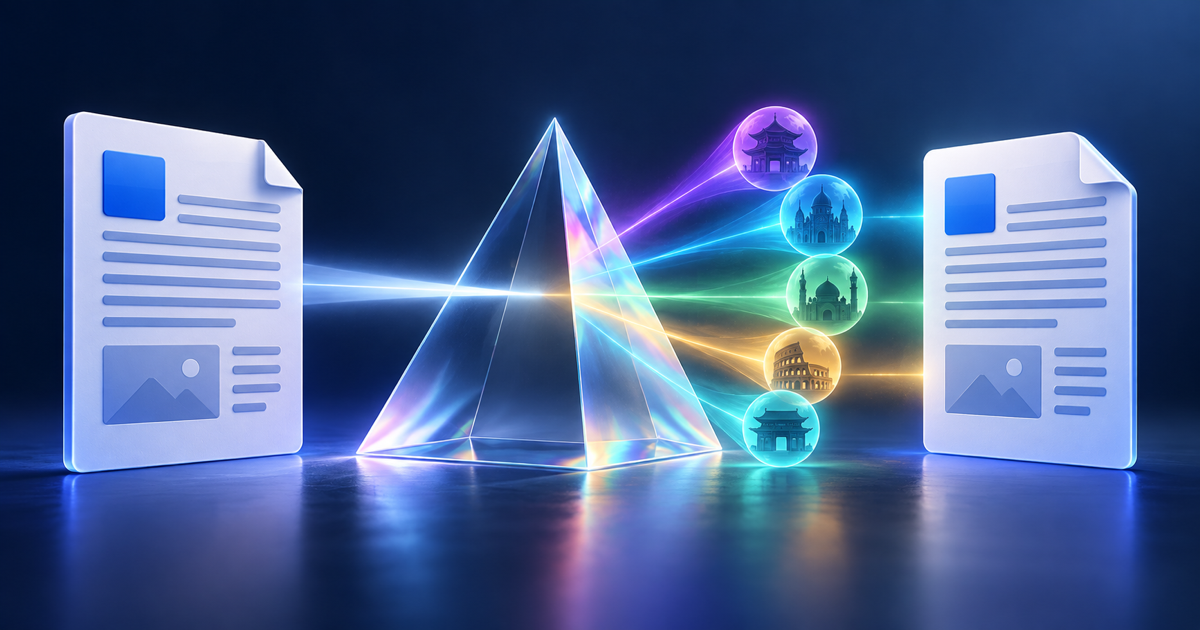
A dedicated AI PDF translator parses the file structure rather than reading it as a flat string. It identifies paragraphs, tables, headers, footers, text boxes, columns, and images as separate structural objects, translates each element in context, then rebuilds the output file with the same geometry. The translated PDF looks identical to the original — same page layout, same table structure, same images in the same positions. Only the language changes.
Scanned PDFs — documents that are photographs of paper rather than digital text — need an OCR step before translation. ForgeFile detects scanned files automatically and runs OCR first, so you don't need a separate tool. Upload and translate as normal.
Not every PDF needs layout preserved exactly. A plain text abstract can survive being copy-pasted into a translator. But these document types break badly without format-aware translation: legal contracts (multi-column clauses, signature tables), financial reports (charts, footnotes, tables), technical manuals (numbered procedures with callout diagrams), academic papers (figures, reference lists, equations), and marketing brochures (multi-column, image-heavy layouts). If your document has structure beyond plain paragraphs, use a format-preserving translator.
Not directly. You need to remove the password protection first. Most PDF readers — including Adobe Acrobat Reader and the free PDF24 tool — let you save an unlocked copy if you know the password. Once unlocked, upload it normally.
Text embedded in images (infographics, scanned diagrams, screenshots) requires OCR to become translatable. ForgeFile applies OCR to image elements automatically for supported file types. For complex image-heavy PDFs, translation quality depends on image resolution and font clarity.
Free accounts can translate standard-length PDFs immediately with no account required. Larger files, high-volume workflows, and batch processing are available on paid plans. Translation quality is the same regardless of plan.
Upload any PDF and receive an accurate translation in 100+ languages. Tables, columns, and images stay exactly where they belong.
Translate a PDF Free
AI & Technology
How to Translate Legal Documents OnlineWhy Legal Document Translation Is Different Legal documents carry precise language where a single mistranslated term ca…
Amanda Lee
AI & Technology
How to Translate a Word Document to Any LanguageWhy Word Documents Need Special Handling A DOCX file is not just text. It is a structured document where every paragrap…
Amanda Lee