A Compressor Can Only Remove What Is Still There
Every compression method works by finding something redundant or invisible and storing it more cheaply. Lossless methods find repetition — long runs of the same color, repeated words, predictable byte patterns — and describe it more compactly, so the original can be rebuilt exactly. Lossy methods go further and discard detail a viewer is unlikely to notice. Either way, the saving comes from what the file still contains. That is why two files of the same size can behave completely differently: one is full of unexploited redundancy, the other has already had it squeezed out.
Lossless and Lossy Are Different Promises
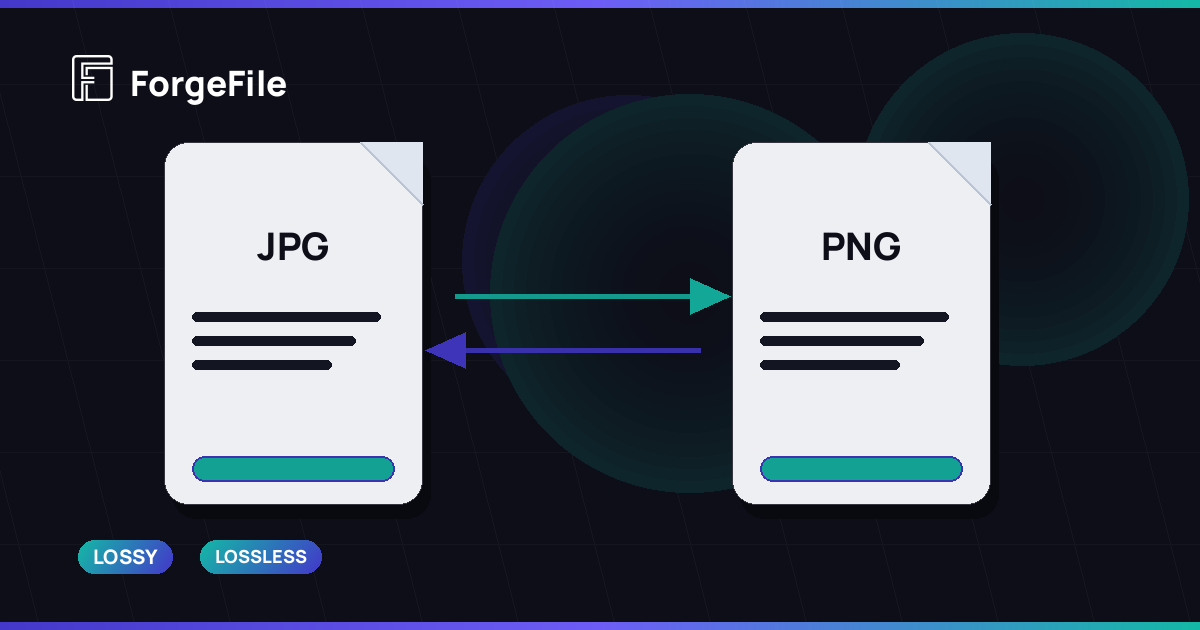
PNG is the textbook lossless image format: every pixel comes back exactly as it went in. The Library of Congress format description notes that all compression in PNG is lossless, built on DEFLATE, the same family of algorithm used in ZIP archives. JPEG takes the other route: its DCT-based compression is lossy by design and trades fine detail for size. Neither is better in general. Lossless is the right promise for screenshots, diagrams, and anything you will edit again; lossy is the right promise for photographs that will only ever be looked at.
Four Reasons a File Barely Shrinks
- It is already compressed — a JPEG, MP4, or MP3 has had its redundancy removed once, so a lossless pass finds little left to remove.
- It is mostly text — a text-only PDF is small to begin with, and text compresses well only once; there are no large images to recompress.
- Its images are already at display size — there is no oversized resolution to scale down, so the only saving left is encoding.
- Its bulk is something compression cannot touch — embedded fonts, or already-compressed media inside a document container.
Why Office Documents and PDFs Behave Like Folders
A DOCX, PPTX, or XLSX file is a ZIP archive of XML parts plus every image and video you pasted into it. The XML is usually a small share of the size; the pasted media is most of it. A PDF is similar in spirit: its size is dominated by the images embedded in it and by the fonts it carries. So compressing a document is really compressing the media inside it, and a slide deck full of full-resolution photos shrinks far more than a report that is almost entirely text. The structure around that media — bookmarks, links, form fields — is kept as it is.
Recompressing a Lossy File Costs Quality Every Time
Because lossy compression discards detail, running it again on an already lossy file discards more. A JPEG saved, edited, and saved again a few times gathers visible artifacts, and each round buys less size than the last. The practical rule: compress once, from the best original you have, and keep that original. When a file will be edited again, prefer a lossless route and apply lossy compression only to the final delivery copy.
Choosing a Mode Without Guessing
- Use lossless when every pixel or byte must survive — screenshots, line art, scans you will run OCR on, files you will edit again.
- Use lossy for photographs that are only going to be viewed on screen or sent by email.
- Use a light or standard setting for documents that will be printed or presented; keep aggressive settings for archival copies.
- Strip metadata such as EXIF when publishing phone photos — it removes location and device details, and the file gets smaller too.
Why did compressing my JPEG barely change its size?
Because a JPEG is already the output of lossy compression. A lossless pass can only tidy its encoding and remove metadata; the large savings come from the lossy step, and that step has already happened once.
Why does a scanned PDF shrink more than a PDF exported from Word?
A scanned PDF is essentially a stack of page images, and images are where compression finds room. A PDF exported from a word processor is mostly text and fonts, which were compact to begin with.
Does compressing the same file twice make it smaller again?
With lossless compression, the second pass finds almost nothing new. With lossy compression it can shrink again, but only by discarding more detail — which is why compressing from the original once is better than recompressing a copy.
Why is a PowerPoint file so large when it has only a few slides?
Because PPTX is a ZIP container that carries every pasted image and video at its original resolution. The slides themselves are small XML; the media inside them is what takes the space, and that is what compression works on.
Is PNG always larger than JPEG?
No. For photographs, PNG is usually larger because it keeps every pixel. For screenshots, text, and flat-color graphics, PNG is often smaller than JPEG and keeps every edge sharp, while JPEG adds visible artifacts around edges.
See What Your File Still Has to Give
Upload a PDF, Office document, or image and pick lossless or lossy compression — bookmarks, links, and form fields are kept.
Compress a File Free